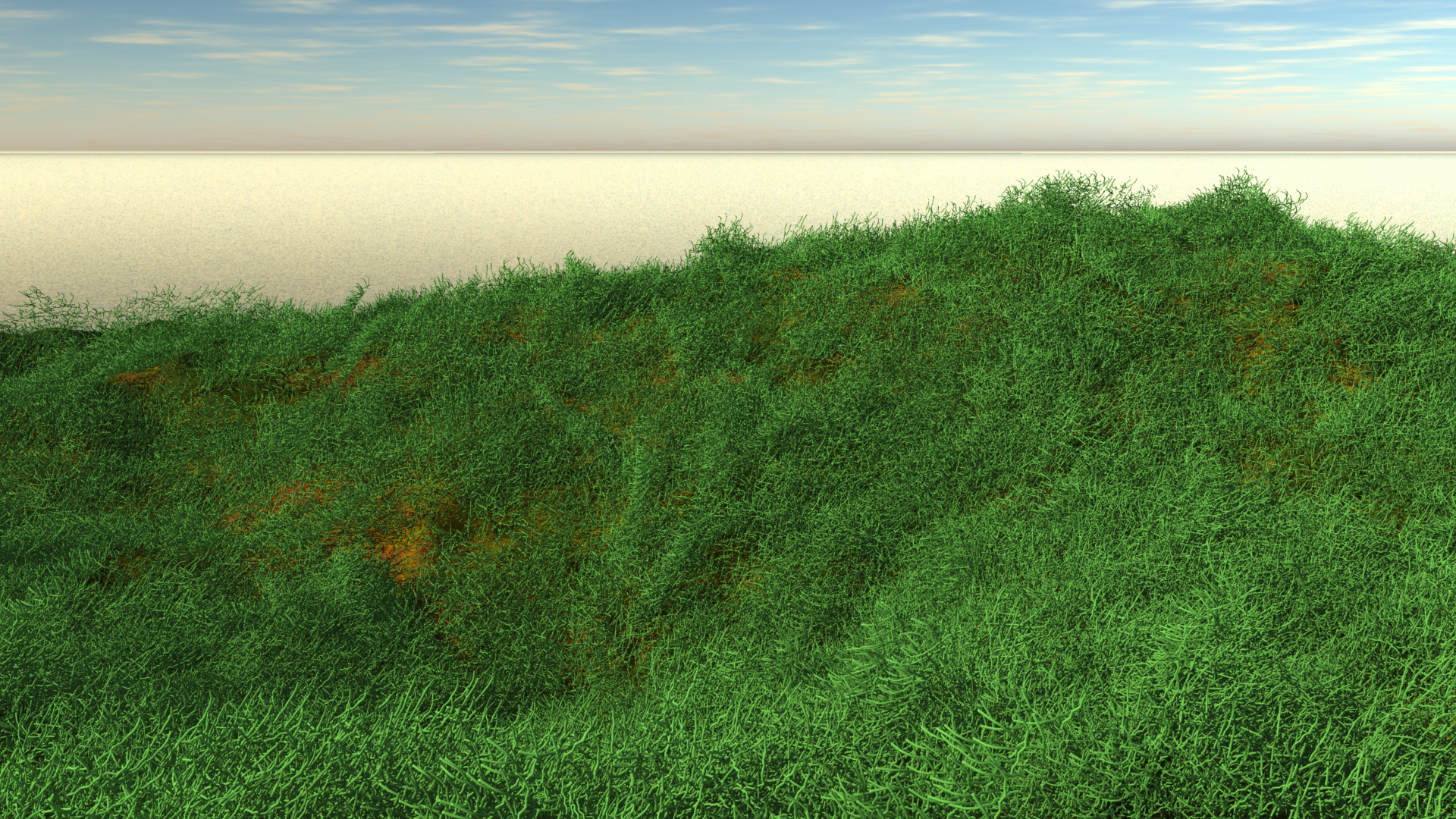
 My first idea of growing grass in Carrara was to make use of the Hair Object. It sounds like an easy workflow too: drag the hair object onto my terrain, adjust its growth behaviour, adjust the colour to resemble grass, and case closed. This approach works fine with primitives and vertex objects.
But sadly, it doesn’t work with terrains. So I thought, perhaps I’ll apply a patch of hairy grass to a plane, and then use a Surface Replicator to replicate the plane all over the terrain. That doesn’t work either: while the plane itself is being replicated, the actual hair (or grass) that’s growing on it is not. I compare this to using the best string trimmer vs scissors on your lawn. Perhaps the Hair Object isn’t such a good idea to be used with growing grass on a huge terrain after all.
A very different approach comes from Phil Wilkes, who has kindly shown how to model a more complex patch of vegetation in this video. I’ve taken the same approach but only modelled a single stalk of grass, replicated it onto a plane, and then replicated that plane onto my terrain.
Here’s how I did it step by step.
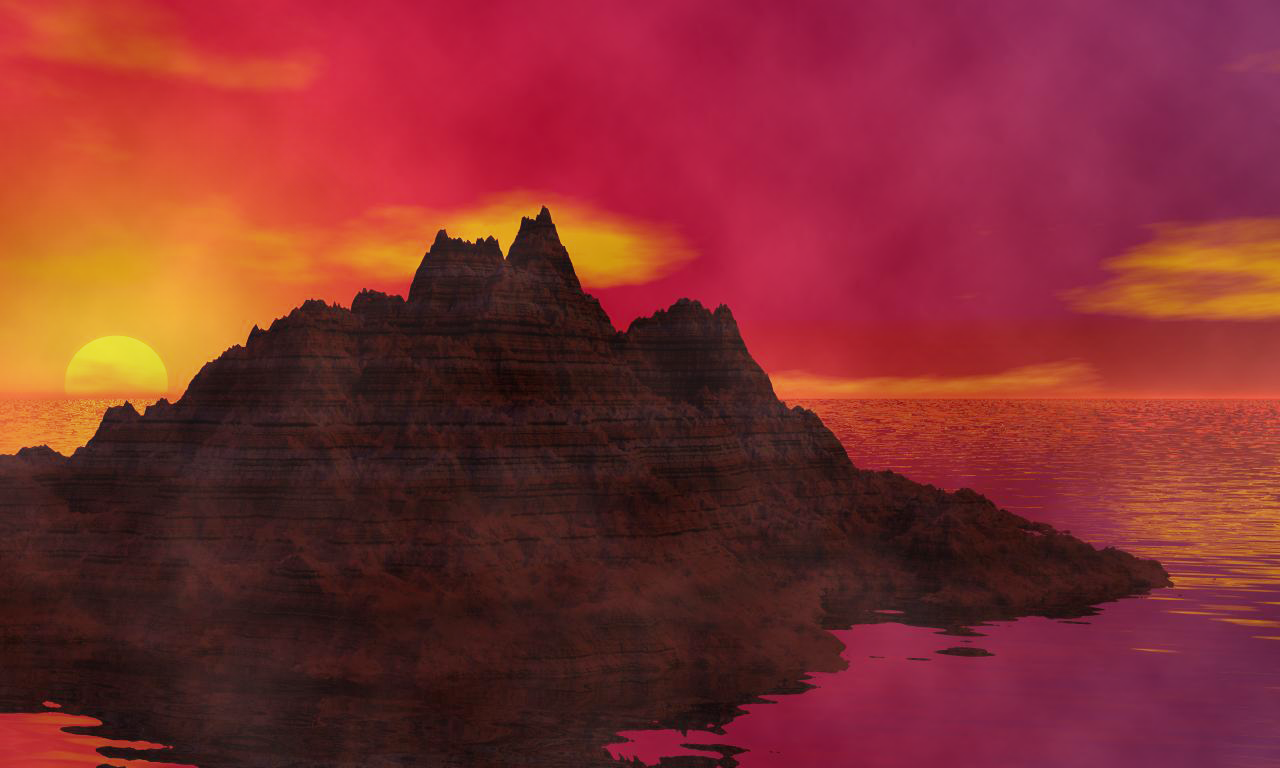 Bryce 7.1 doesn’t reliably run under OS X, but it works fine in both Windows 7 and Windows 10. Being the Mac User and avid 3D enthusiast that I am, and having a bit of time on my hands, I thought I’d give Bryce another go. And thanks to Parallels Desktop I can run it in a virtual Windows installation. Nice!