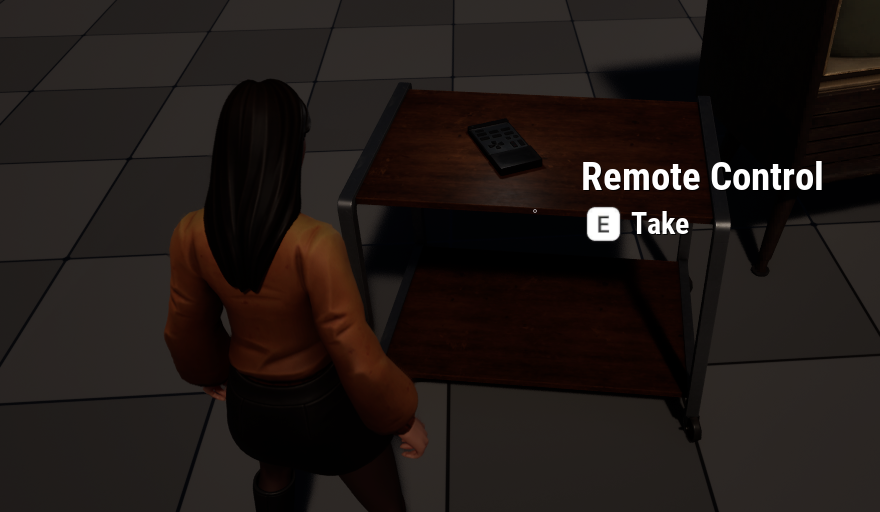
Narrative Pro has an Interactable_ItemPickup component that can be added to any object to turn it into a pickup. When the player interacts this way, we can add the object (or a representation thereof) into the player’s inventory and do all kinds of other stuff. Let me show you how to create one.
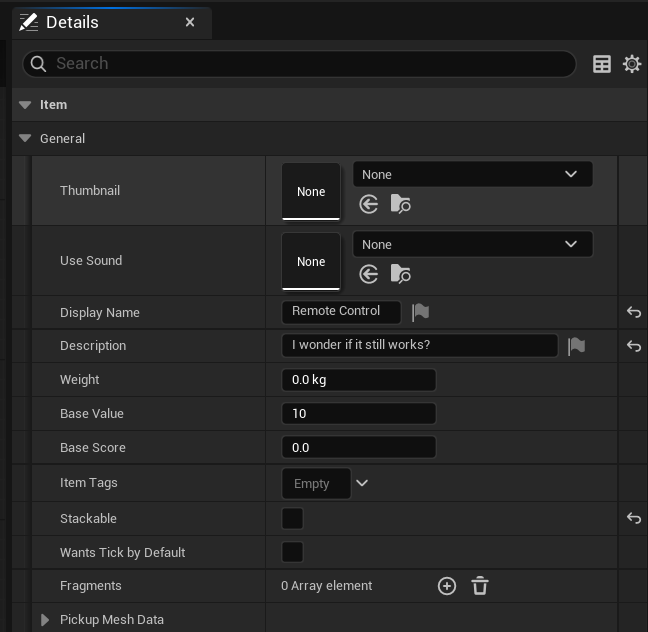
We need two things to make this work: the actual Actor that will visually represent my item in the scene (any regular Blueprint class will do, I’m using remote control for this demo), and a Narrative Item class. This is a container for things like the icon it has in inventory, how many can be stacked, how heavy it is, what the description should read, and so forth. I’ll call mine NI_Remote, and you’ll find these values under Class Defaults.
On the pickup item itself we need to add the Interactable_ItemPickup component, make sure our main mesh blocks the NarrativeInteraction collision channel, then override the On Interacted function and hook into it, much like we did in my previous article to switch on the TV set.
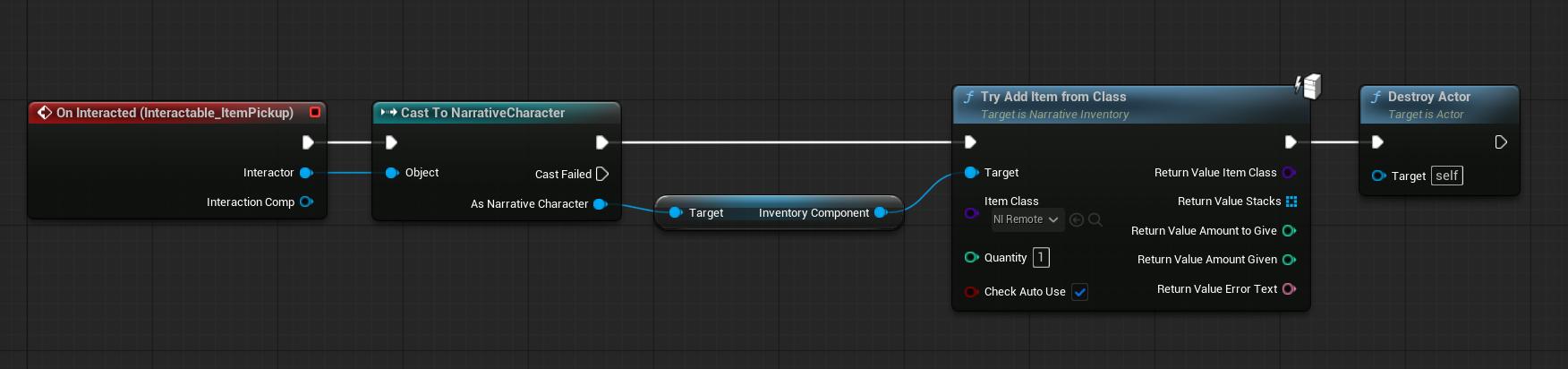
What happens next is that we cast to the player character, grab their inventory and add our Narrative Item to it. Finally we’ll have to destroy the current actor so it disappears from the world after pickup. This is also the place to hook into other functionality like playing animations, sounds and effects, or kick off dialogues and missions.