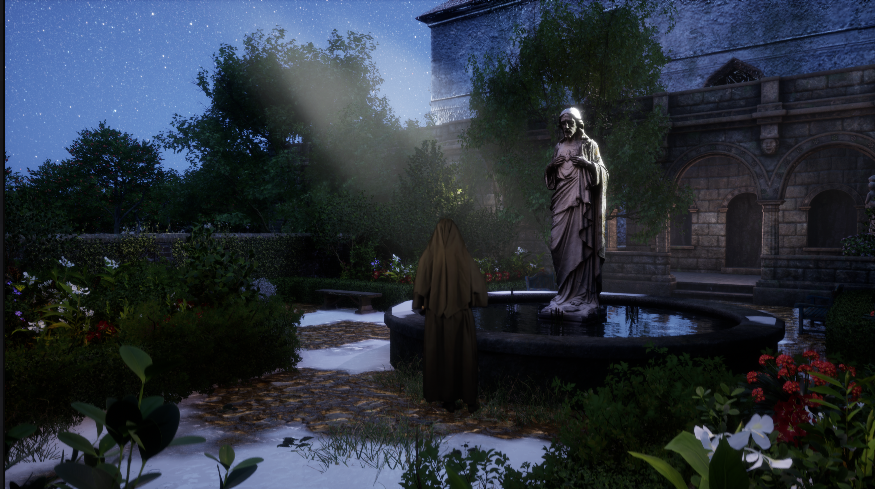
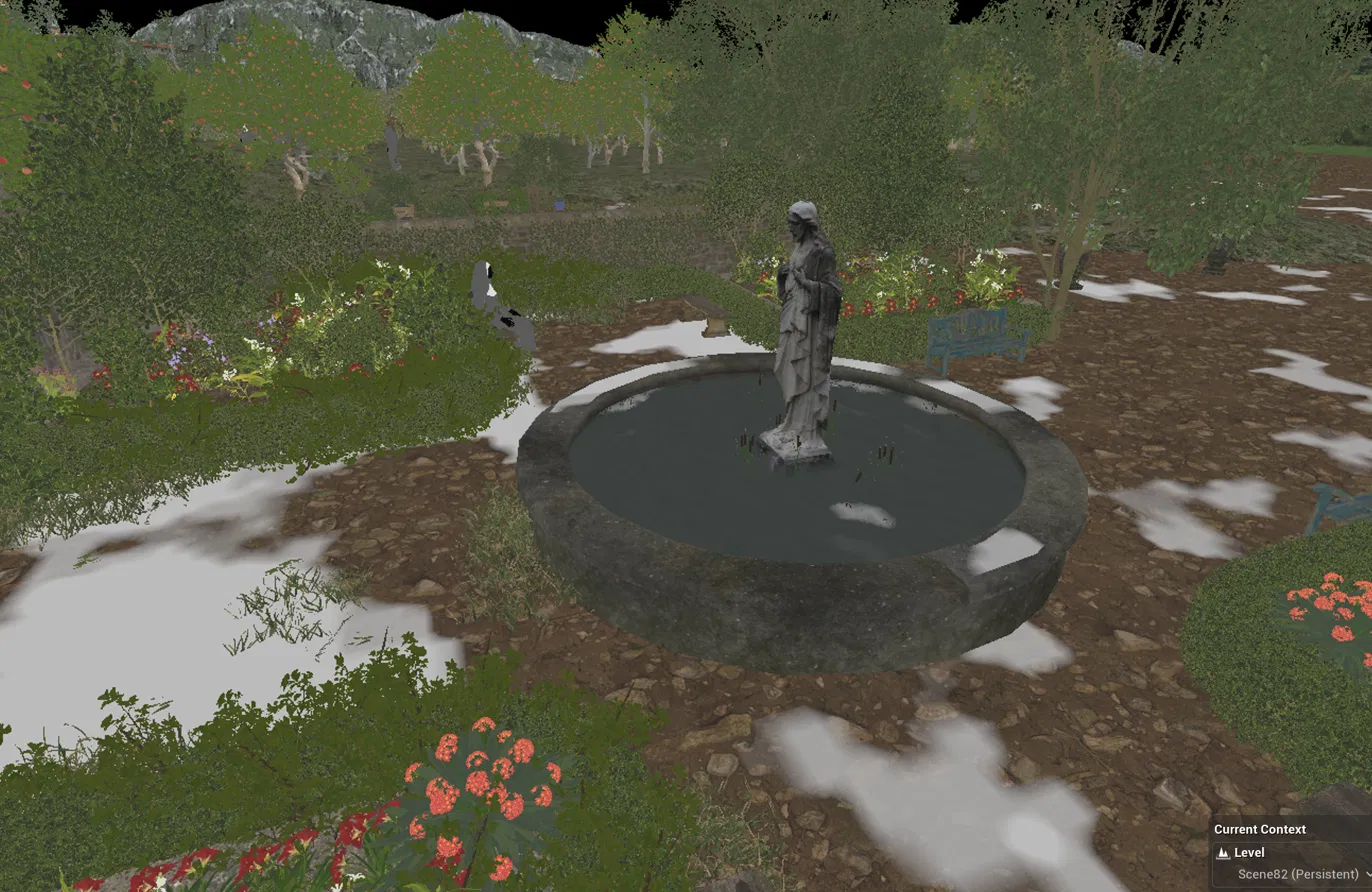
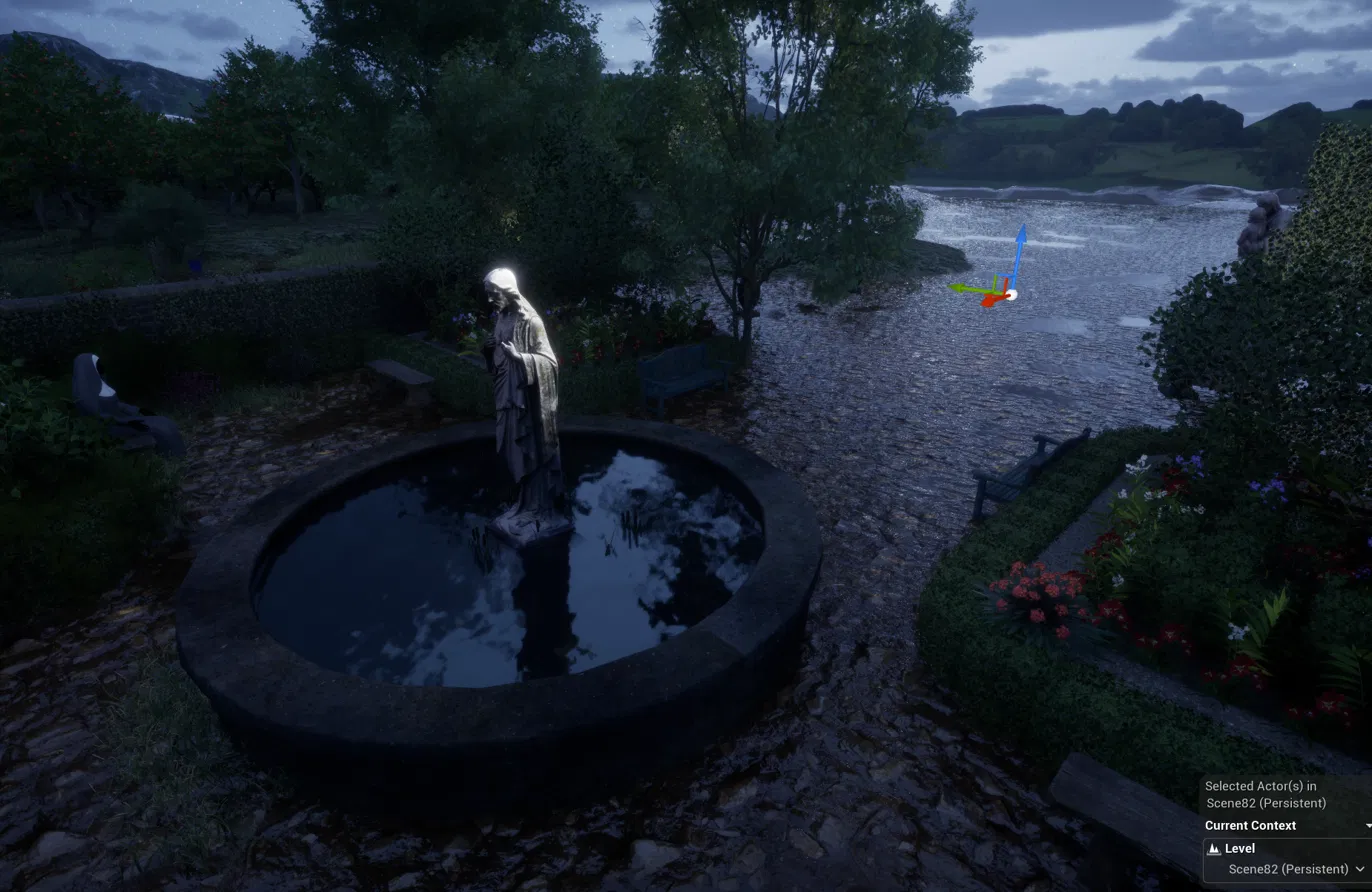
I opened one of my large exterior projects in Unreal Engine 5.6 the other day, after not having touched it for a few weeks, and was greeted by an unwelcome surprise: white blotches all over the landscape, the gravel paths, and even on the fountain at the centre of my garden scene. It looked a bit like patchy snow — except this is meant to be a mild summer night.
Narrowing it down
The first useful clue was that the spots appeared on both the landscape and a static mesh. A landscape-specific problem (corrupted weightmaps, lost layer info) can’t touch a static mesh, so whatever was doing this had to be something both materials share. In this project, that’s the rain and puddle overlay from EasyRain, which writes a wetness effect into the world’s materials.
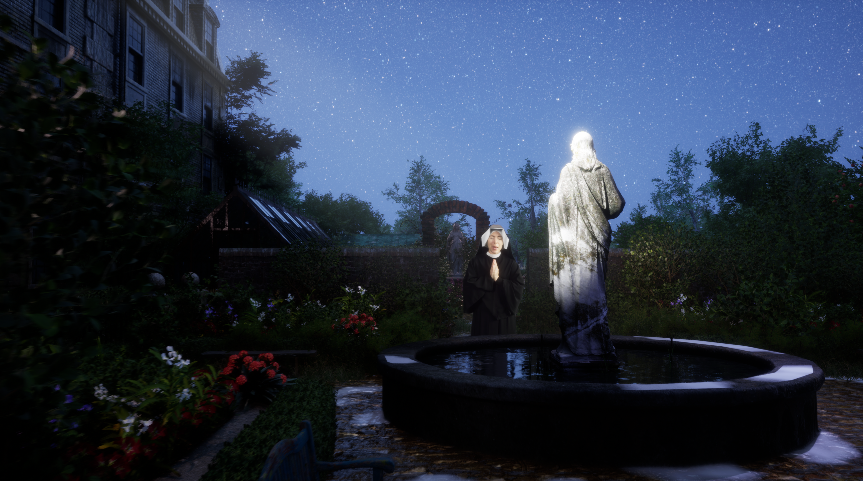
To find out what the spots actually were, I switched the viewport to Unlit mode. They were still there, which told me they were written into the material output itself rather than being a lighting or reflection artefact (a puddle mask stuck at full wetness would instead show up as blown-out specular, and would disappear in Unlit). Buffer visualisation didn’t pinpoint them either, but the Unlit test alone was enough to keep me on the material trail.
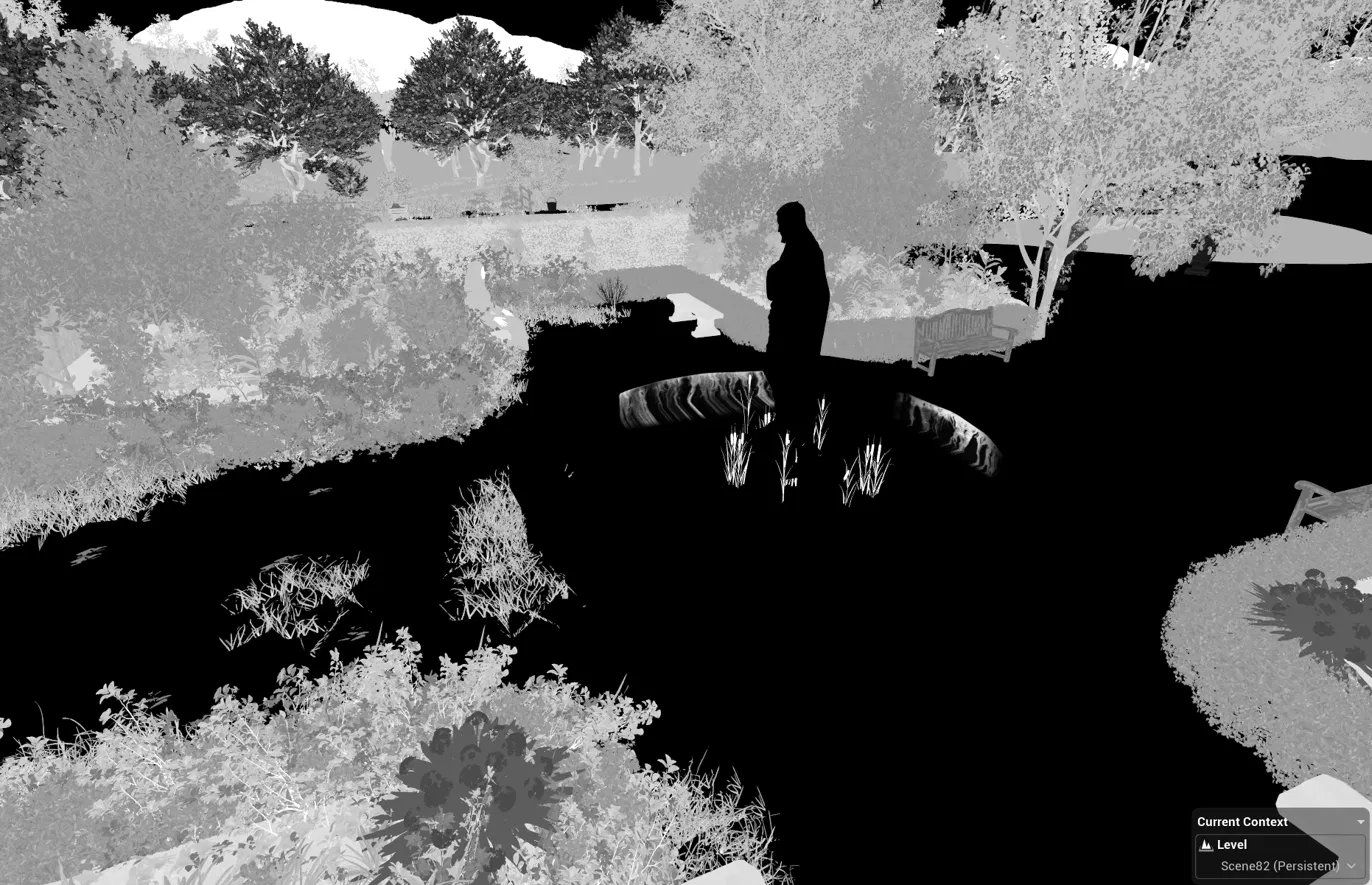
The culprit: an uninitialised Material Parameter Collection
EasyRain drives its world puddle overlay through a Material Parameter Collection. That’s important, because an MPC is a project-wide asset with exactly one set of live values: every material that samples it sees the same numbers, and there is no per-level copy. Those values only become meaningful once a BP_EasyRain instance initialises them.
And here’s the thing: this scene didn’t have a BP_EasyRain in it at all! Our project is structured with a nearly empty persistent level per scene, holding only what changes from scene to scene, while the shared environment assets are attached as sublevels. When I compared UDS rain with EasyRain a while ago, that test happened in a scene whose persistent level did contain an EasyRain blueprint — but none of the other scenes had one yet. So every other scene was rendering the landscape and fountain with whatever stale, uninitialised puddle values happened to be sitting in the collection.
Hence: white patches everywhere the puddle mask decided to fire.
The fix
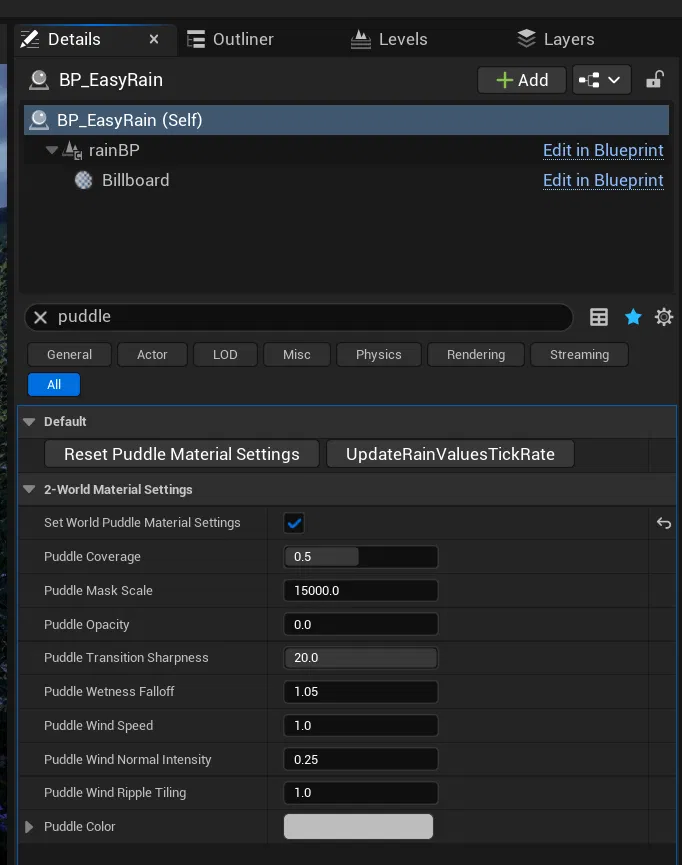
I dragged a BP_EasyRain into the level, which on its own changed nothing. The magic switch is in its Details panel: tick Set World Puddle Material Settings, and the material instances initialise with proper values. The white spots disappeared instantly, and a Movie Render Queue test confirmed the fix holds up in renders too.
The takeaway
If your project uses a weather blueprint across several levels, every scene needs its own instance — including dry scenes, with the puddle values set to zero — so the Material Parameter Collection is always explicitly initialised rather than inheriting whatever the last-edited scene left behind. The same logic applies to any system driven by an MPC, including Ultra Dynamic Sky: when a material suddenly looks wrong across multiple objects at once, ask yourself what is supposed to be initialising the collection in this level. If the answer is “nothing”, you’ve probably found your bug.