Storyist 117: Using Story Sheets

In this episode I will (try to) explain the concept of Story Sheets to you. Those are writing aides, akin to writing bibles and index cards. Think of Story Sheets as a supercharged version of a post-it note. They let you define relatively vague “things” like plot points, characters, settings, scenes, character development points and …

Read more

Storyist 116: Working with Images

In this episode I’ll show you how Storyist lets you import images and how you can use them in your project. Images are not linked and are stored with your project, so feel free to delete the original. Storyist can use images in-line with your text, or they can be part of the storyboard view …

Read more

DAZ Studio 111: Installing Content in a Second Directory

In this episode I’ll show you how to install 3D Content with Install Manager into another directory of your choice. By default, Install Manager will use a folder called “My DAZ 3D Library”, but sometimes you may need a second directory to install content in. For example, to keep pre-release files separate from “release versions”, …

Read more

Storyist 115: Writing Shortcuts

In this episode I’ll show you some of the shortcuts I find useful when using Storyist. I’ll show you how to navigate words, paragraphs and whole lines from the keyboard, and I’ll also explain a couple of tab key shortcuts. Lastly, I’ll show you how to access a full list of shortcuts that are supported …

Read more

DAZ Studio 110: Object Hierarchies, Grouping and Parenting

In this episode I’ll show you how parent objects to one another, and how to create groups, and the implications either of these actions has on your scene. I’ll also explain the Null object and when/how to use it. Understanding these concepts means you’ll be able to build scenes more efficiently: hierarchies let you move …

Read more

Storyist 114: Headers and Footers

In this screencast I’ll show you how to customise the headers and footers of your document. The principle is the same for either. In particular, we’ll look into aligning the page numbers in the footer: off numbers to the left, and even numbers to the right – just like some books do. Storyist can help …

Read more

DAZ Studio 109: Adjusting the Pivot Point and using Multiple Viewports

In this episode I’ll show you how to change the location of the Pivot Point in DAZ Studio. It’s the point at which the 3D manipulator gizmo shows up and from where objects are translated and rotated. Blender calls this the “origin point”. DAZ Studio uses the Joint Editor to manipulate this point. While I’m …

Read more

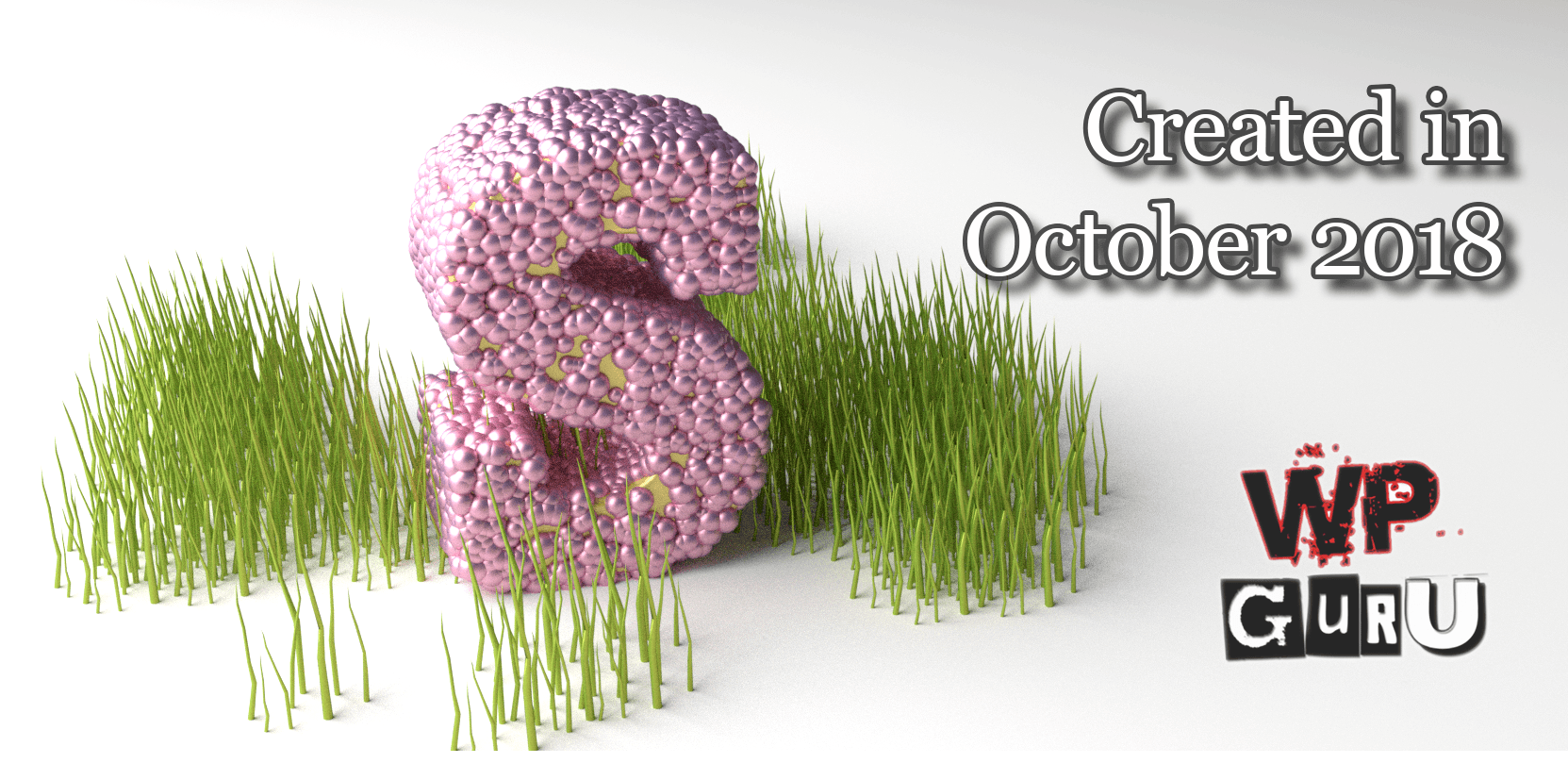
Created in October 2018

Another busy month draws to a close. Let’s see if I can remember all the exciting stuff I’ve been able to create, which consisted mainly of video content.

Blender Logo Creation – Mini Series

I’ve created a 5-part mini series on how to take a rasterised image, turn it into an extruded 3D object in Blender and use it to create a snazzy logo.

I’ve used this technique to create thumbnails for two of my recent projects (the DAZ Studio 101 series and my WordPress podcast). There are many steps to the whole process and I thought I’d record how I did it. I also created thumbnails for the videos in the series using the same approach, showing bit by bit what each video is about. Like this one:
Read more

Storyist 113: Customising Your PDF

In this episode I’ll show you how to customise the print-ready PDF we’ve created in the previous video. When Storyist formats a PDF with templates, it create intermediary files that we can tap into and further refine the output to make it look exactly as we want our book to look. https://www.versluis.com/wp-content/uploads/2018/09/Storyist-13-PDF-2-v2.mp3Podcast: Download (Duration: 15:51 …

Read more