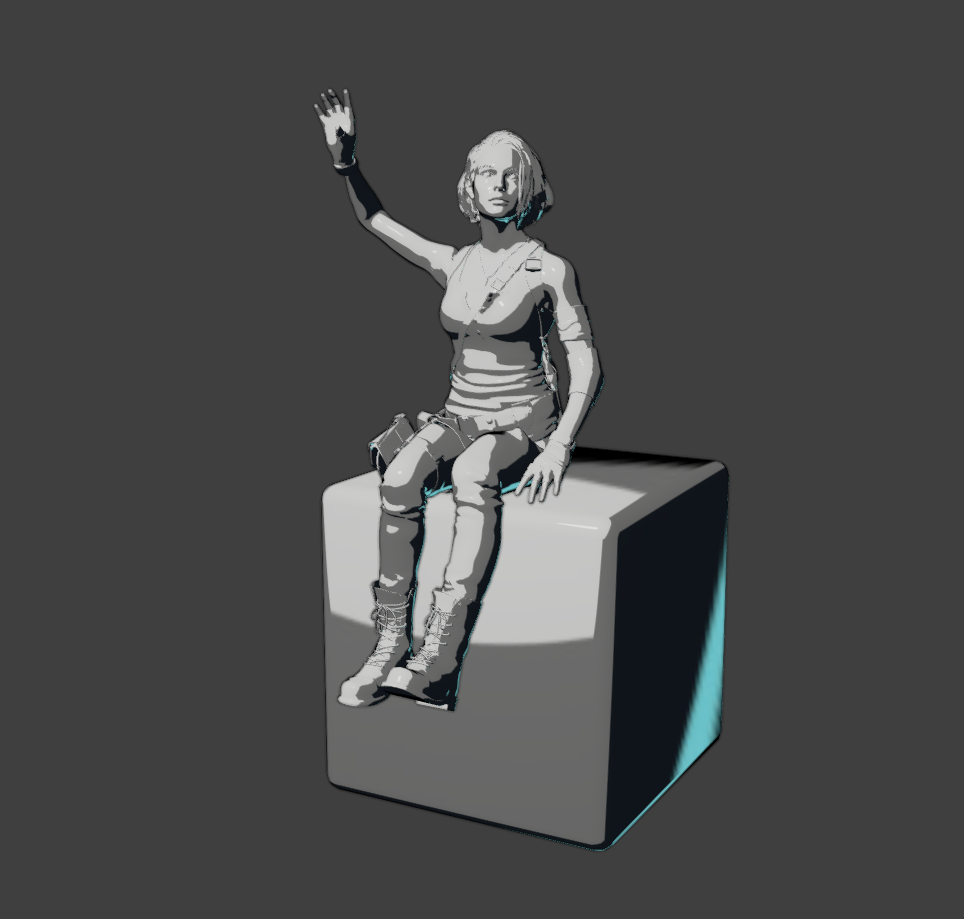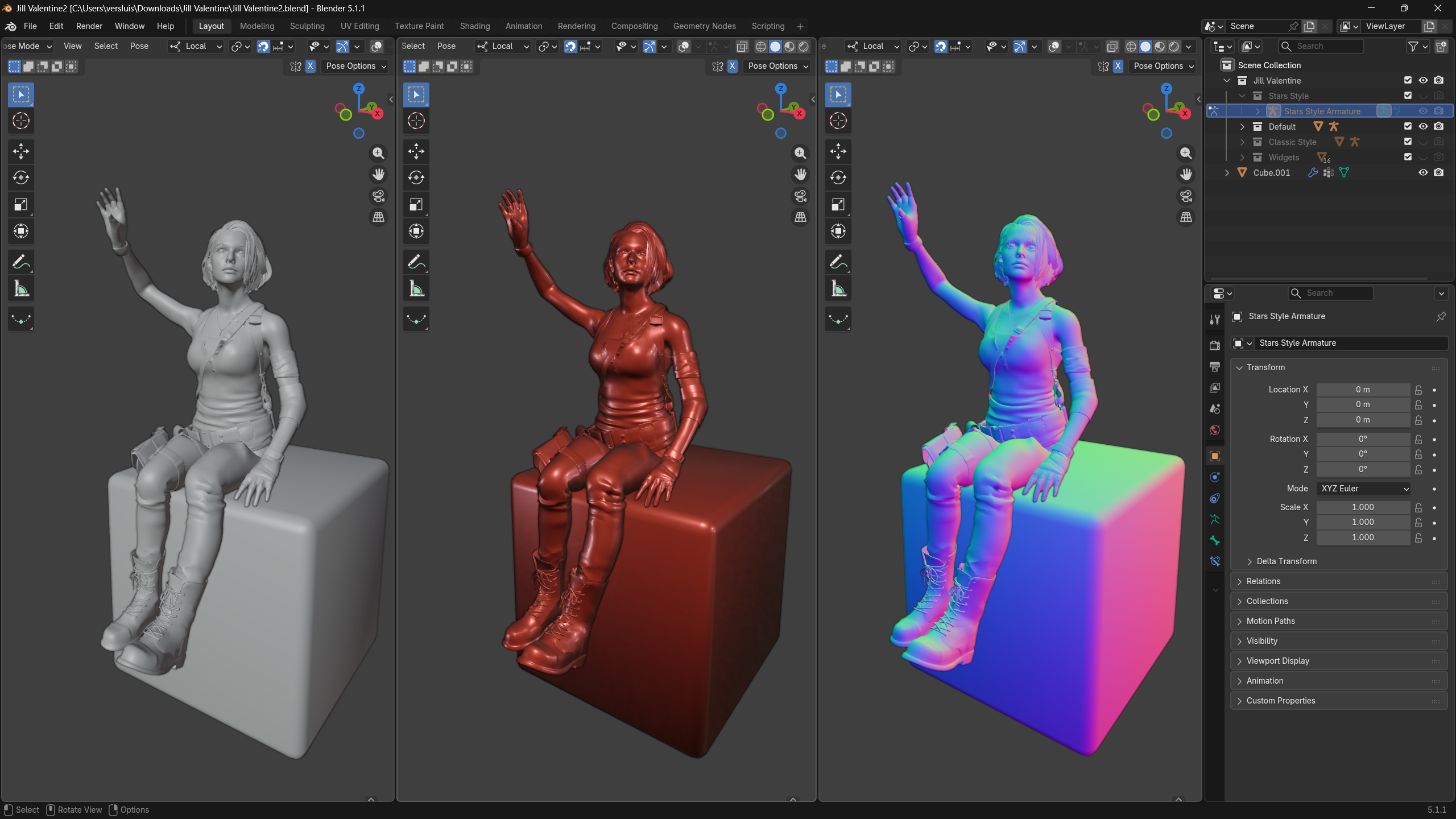
Matcaps are quick and easy visual previews that let us judge 3D objects without having to setup lights or materials. They’re essentially different ways to make your objects appear while you work on them. This can be helpful if you’re working on something that’s naturally more dull or shiny, darker or lighter, or reflective in a certain way. Blender can do this as part of the solid workbench shading. Here’s how to set it up.
- switch into solid view (white ball icon)
- click the drop down arrow next to it
- change the Lighting from Studio to MatCap
- click on the grey ball underneath it and a big list of materials comes up
- pick any one of them and see your viewport appearance change
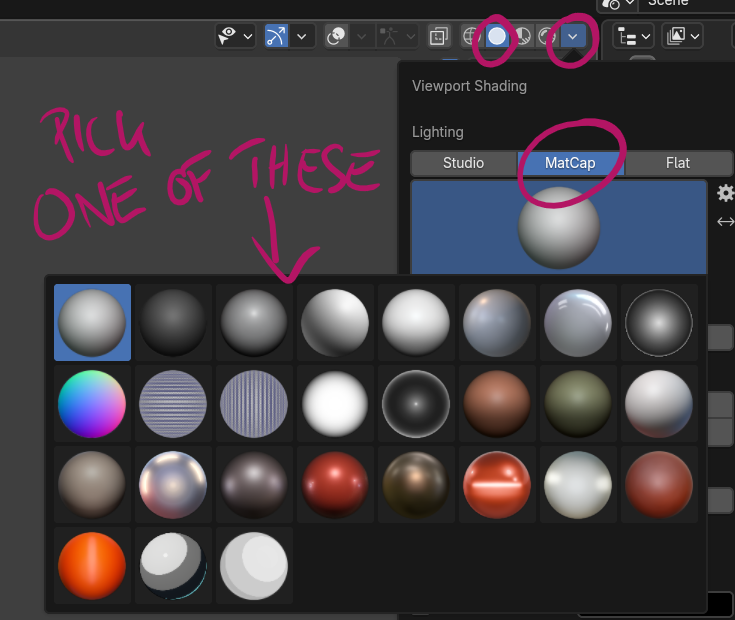
Many of them don’t make sense to me (like the stripey ones), and they’re not mean to be rendered out, but some of them are fantastic preview helpers to see your highlights and shadows. They’re good to use in sculpting mode or before material setup, so you can get an impression if your work is heading in the right direction.