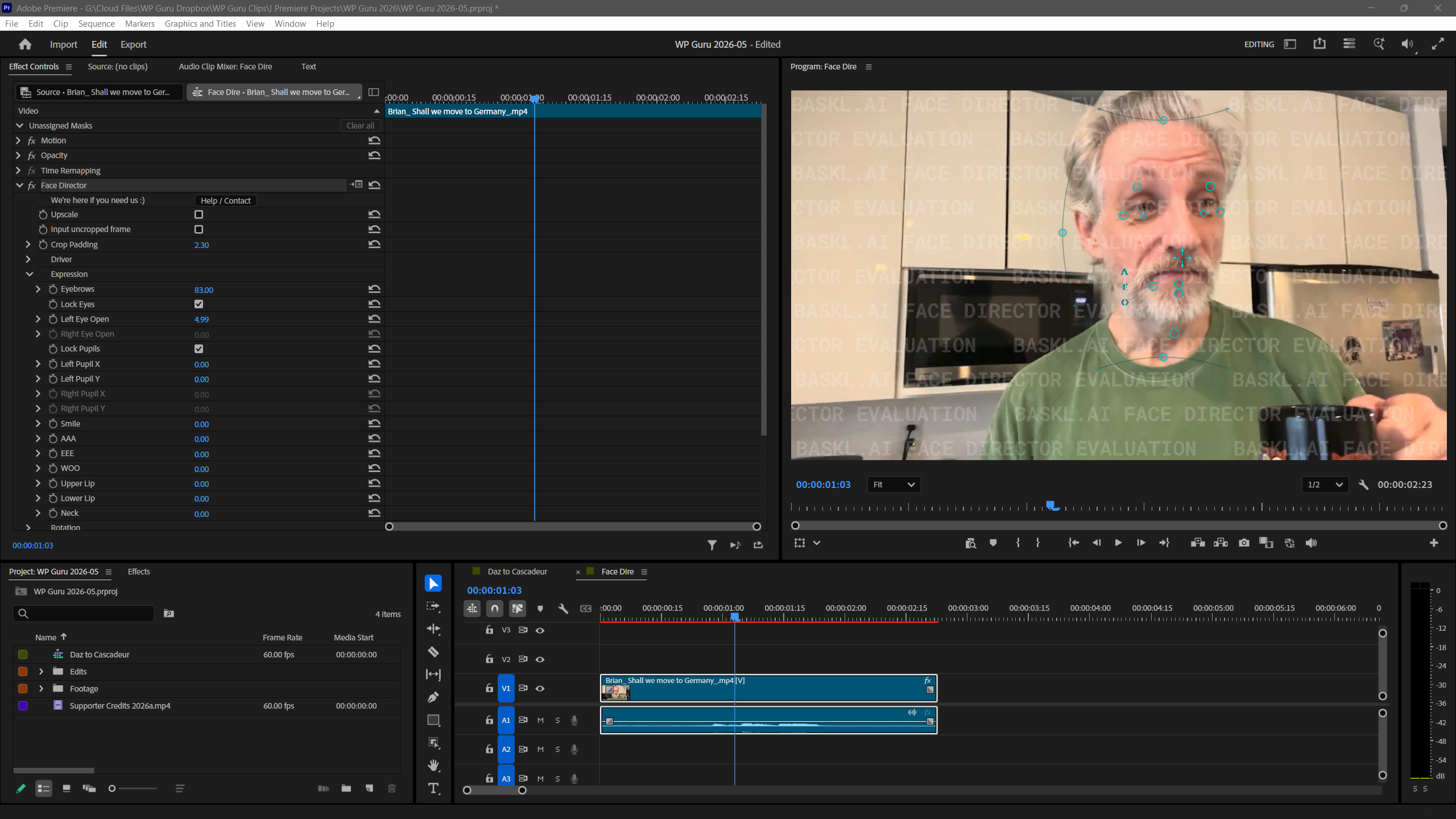
I’ve discovered an interesting little add-on for Premiere that lets us change people’s facial expressions! Much like a 3D character in CC or Daz Studio, it offers sliders that can adjust the mouth shape, where the eyes look, where the face points and all kinds of other stuff. There’s a free trial version available here. Works in Premiere, After Effects, DaVinci Resolve and Nuke.
The video demo is for After Effects and showcases that in addition to the slider controls, there’s also an overlay UI in the viewport that lets us work with visual control points. Intrigued, I was wondering if those were available in Premiere too but I had no idea where to look.
Turns out they’re part of the regular overlays menu that will pop up when we click the little wrench icon under the main viewport, then choose “Overlays” at the very bottom of that overpopulated feature-creep list that’s been amended monthly since 1999. Well done, Adobe!
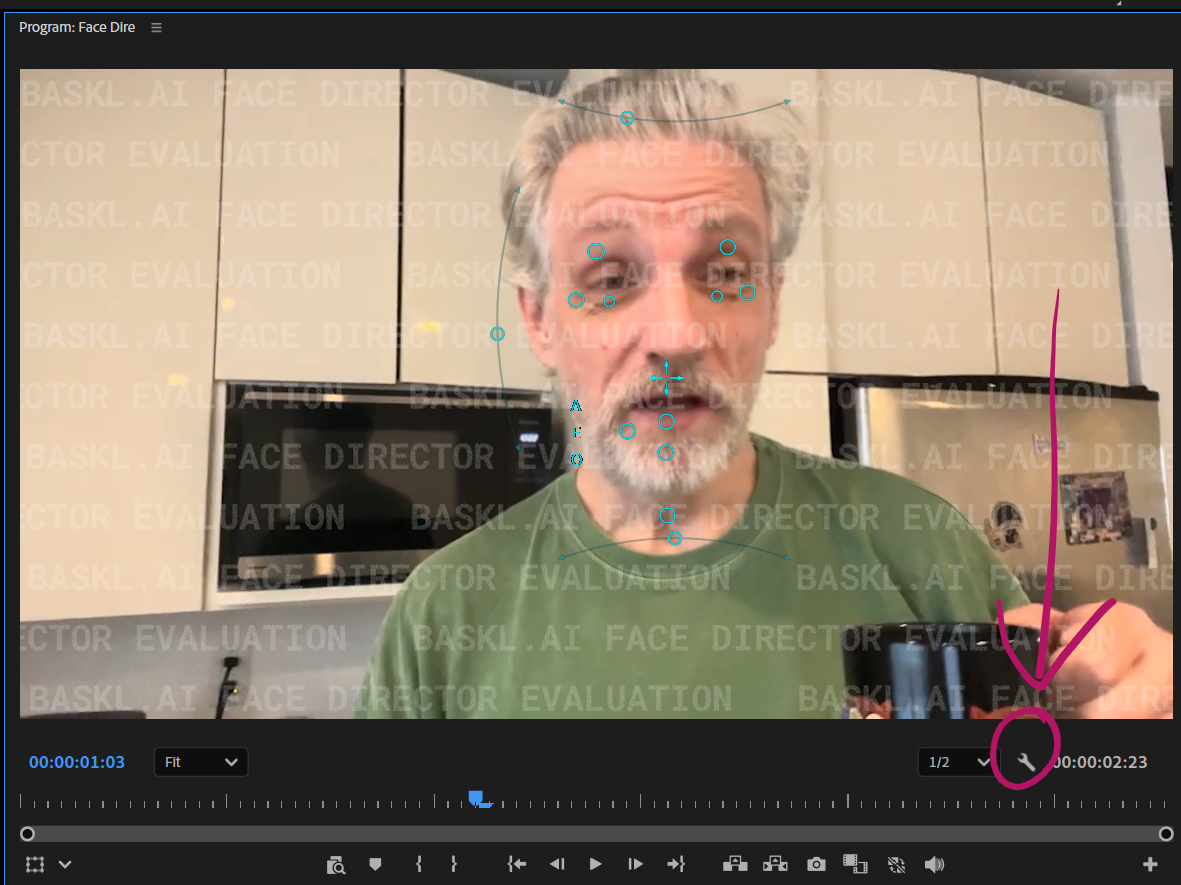
Note that they will only show up when the Face Director effect is applied to a clip, and the effect is selected in the Effect Controls list.
PS: my mouth wasn’t really open in the screenshot above, Face Director did that 😄