We can retarget animations with the Pro version of Cascadeur. As long as the figures are setup to have an auto-posing rig, the app can translate motions between figures. It’s a little cumbersome and unintuitive, and I’ll probably forget, so here’s a quick note for you and my future self.
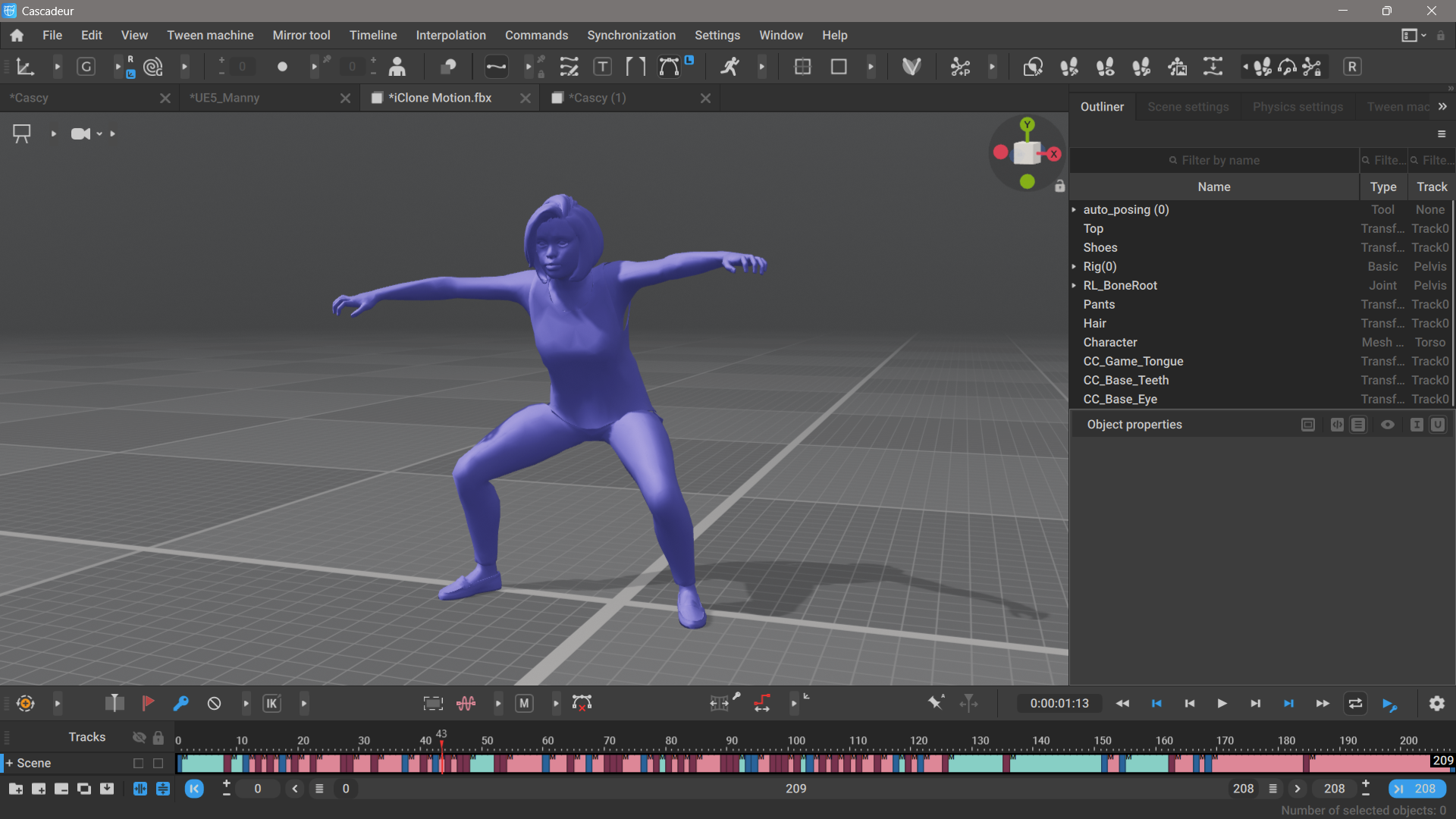
I’ll use my previous Battle Dance animation with a Reallusion ActoCore figure in Cascadeur 2026.1. Let’s select all keyframes on the timeline by left-clicking and dragging on them. In my case that’s all 208 frames, but it could be as little as a single frame.
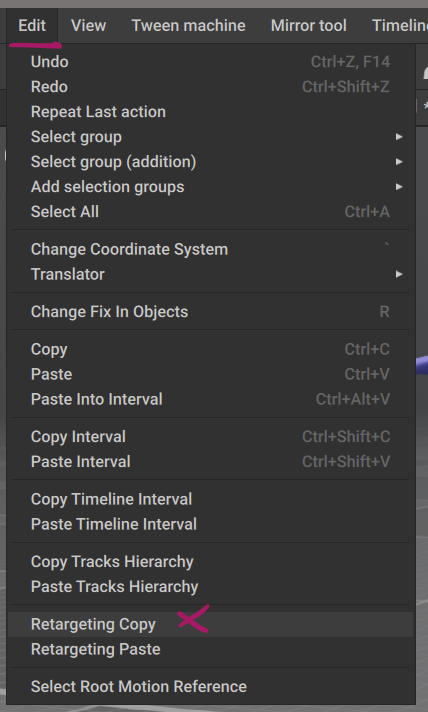
Next, head over to Edit – Retargeting Copy (at the very bottom of the long list). A message should appear briefly in the viewport to confirm the operation.
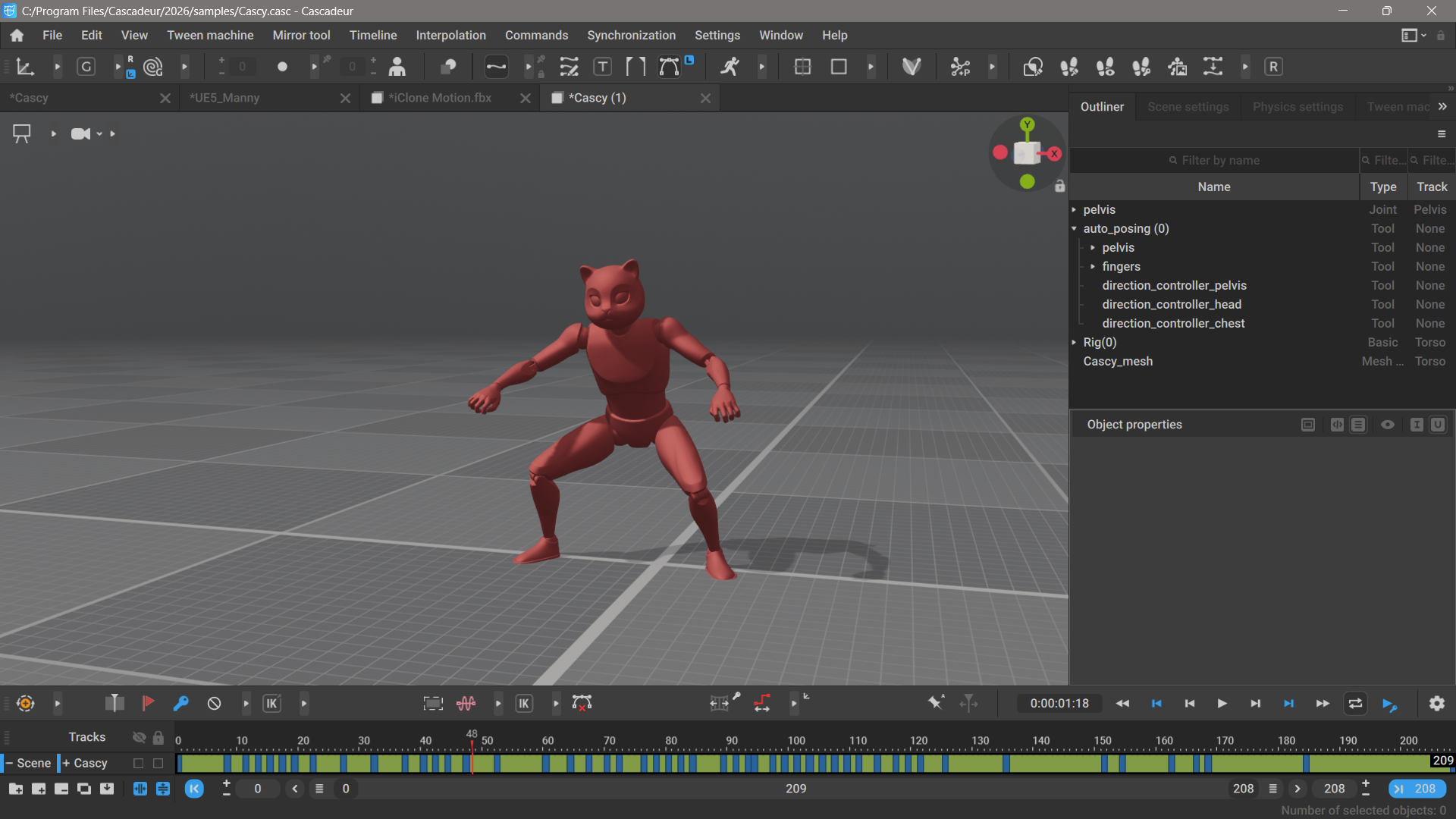
Next, let’s open a new scene with a new character. I’ll pick the Cascy mannequin here from the Cascadeur library, but any figure will work as long as it’s been setup with Cascadeur’s rigging helper tool.
We need to set the timeline length to the amount of frames we want to copy manually, then select the whole (currently empty) range like we did for our source. Ideally there should be a “select all” option, or the app should be clever enough to add pasted frames to the timeline automatically, but alas that’s not how it works. With our empty range selected we can head back to Edit and choose Retargeting Paste. Once again a message will confirm the operation, and your character should now play the animation.
Further Reading
- Cascadeur Retargeting documentation: https://cascadeur.com/help/category/219
- Retargeting Settings explained: https://cascadeur.com/help/category/258