Building a Sliding Door in Unreal Engine

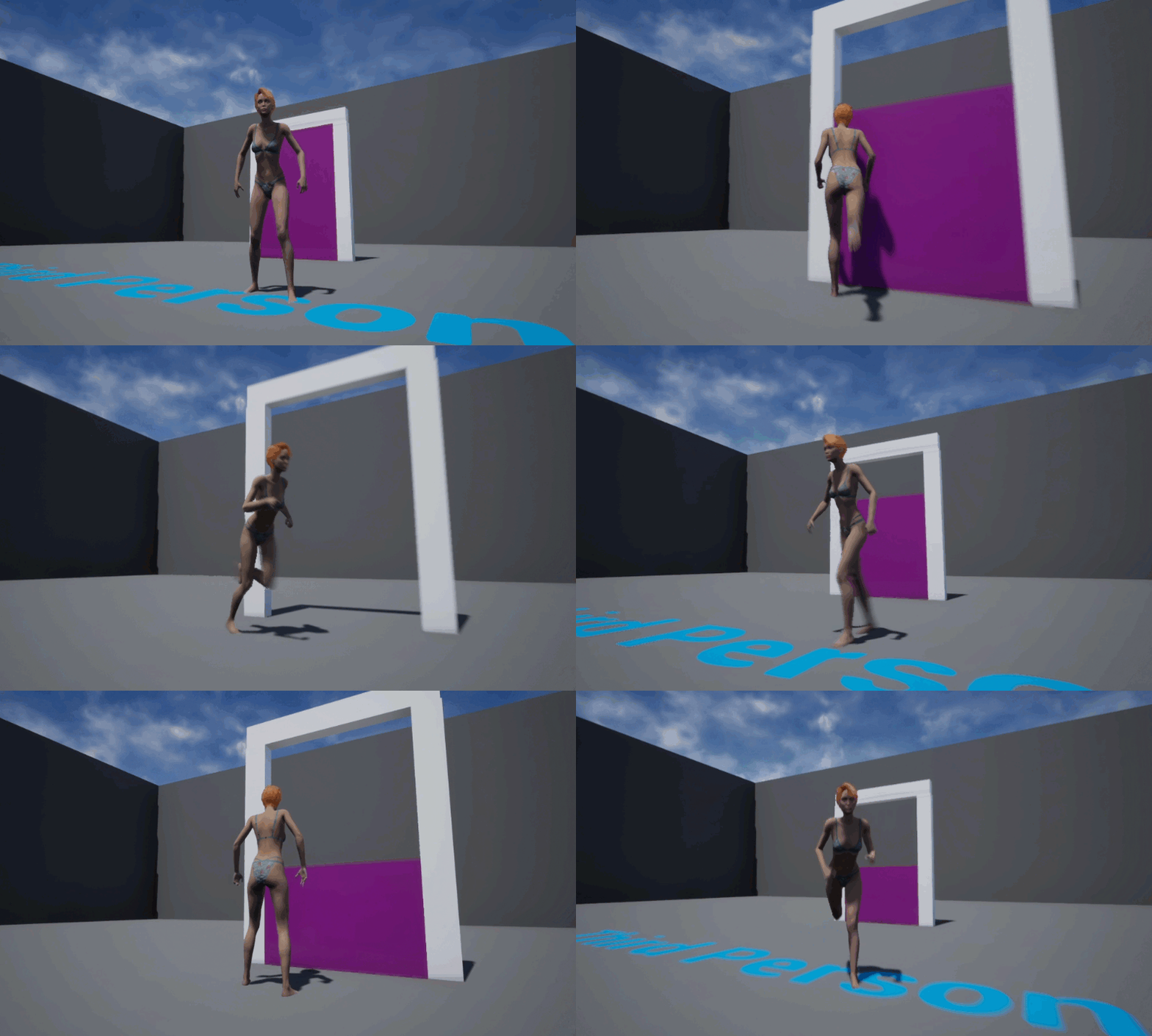
I’ve been following Katie’s videos to get my feet wet with Unreal Engine, and thought I’d take a note on how to build her sliding door so I don’t forget. Here’s how I’ve built mine in principle:

  • create a new Blueprint Actor
  • bring in a cube and build an “InnerDoor” piece (that’s the one that will slide up and down)
  • build a frame for the door (will remain static)
  • add a Box Collision and extend it (it will trigger our animation)
  • use a Timeline node to raise the door
  • reverse the process so the door closes

I’m doing it slightly different to how Katie suggests it, but there’s really no right or wrong way. I’ve described how to do something similar with a Level Sequence in another article. Let’s see how to do it with a Sequence Node here.

Read more

Changing Morph Targets programmatically in Unreal Engine

I’ve just found out how to change values for Morph Targets on objects in Unreal Engine via code. This will come in handy when any attribute needs to be updated either as a result of user input, or via automation. Here’s the basic workflow:

  • know the exact name of the Morph Target
  • add a Set Morph Target node in Blueprints
  • populate it with the name of the morph
  • give it a value (between 0 and 1, equivalent to 0% to 100%)

Here’s a small example that continuously changes my Genesis 8 character from Basic Female into Olympia. While not particularly useful in itself, it illustrates how a parameter change can trigger a morph.

Read more

How to get rid of the white ball in Unreal Blueprints

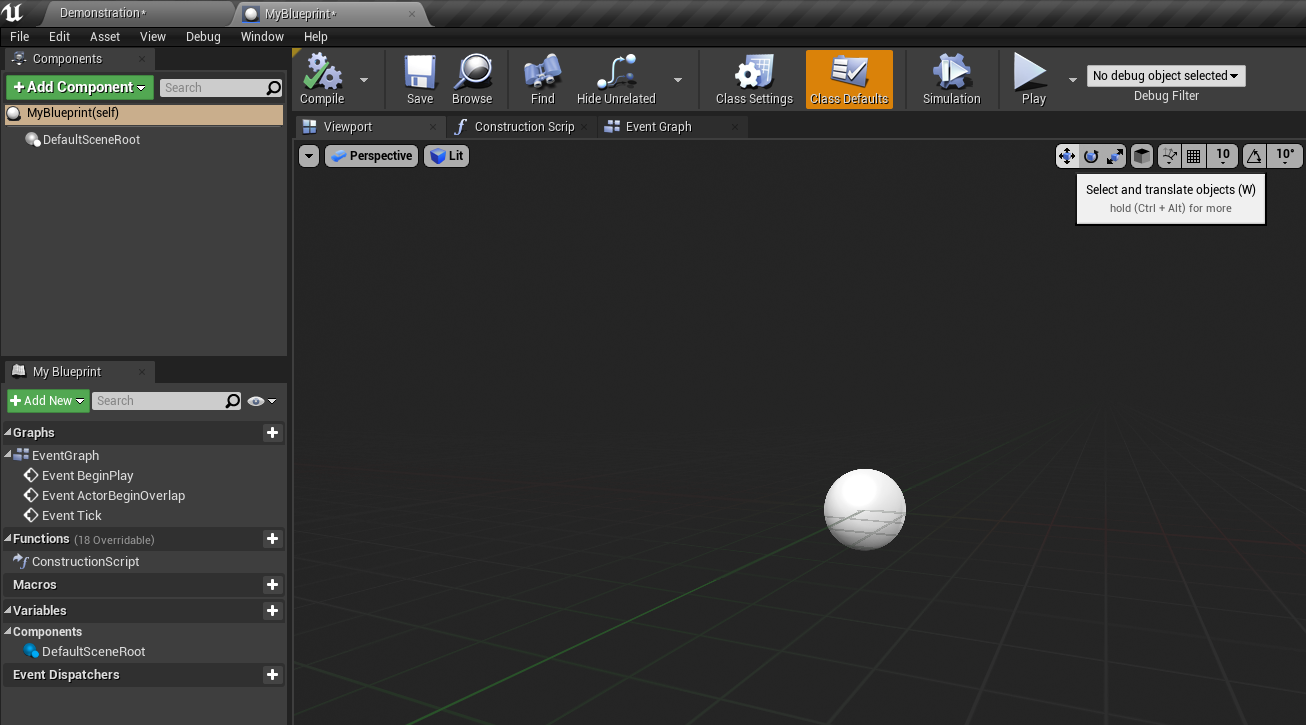
When you start a new Blueprint Class in Unreal Engine, there’s this weird white ball that shows up in the centre of the viewport. I believe it represents the Default Root object. Trouble is, there’s no obvious way to get rid of it, even when you add a mesh object to your Blueprint. For a troubled and easily confused beginner like myself, I don’t even know what question to type into Google to get an approximate answer.

In this article I’ll show you the simple solution to the problem. Here’s the ball I’m referring to:

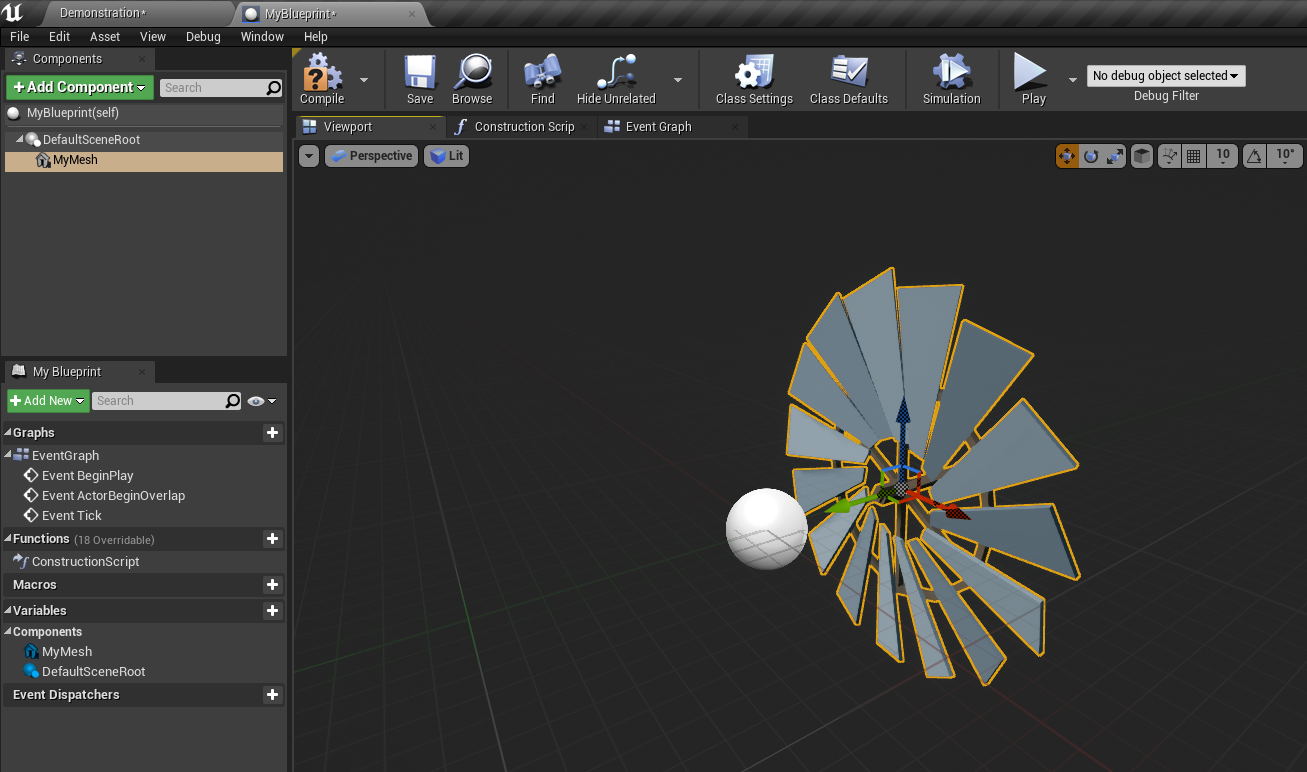
Even with a Static Mesh in my scene, that ball persist. I can’t even select it.

Read more

How to create animated dust particles in Blender

In this episode I’ll show you the complex process of setting up animated particles in Blender. I’m doing this for an Eevee render, but the principle will work in Cycles just as well. They can be used to give atmosphere and depth to your renders, or to create other exciting effects like bokeh. There’s a lot going on in this video, so I thought I’d provide some written instructions in this article too. Here’s what’s coming up:

For this whole project I’ve used Blender 2.83.1. You can see an example of the effect in action on my Sad Robot animation. My wonderful Patreon Supporters have access to the scene file I’m building for dissection, study, amendment and commercial use.

Enjoy!

Read more

Here’s what Amazon sell as “new” these days

Remember how I was so thrilled about that new Blue Yeti microphone in my previous post, and how this thing sold out so quickly? Well it arrived… and I’m less than pleased with the service I’ve received from online giant Amazon.

What they’ve sent me as the correct item, but it was not a new item. It showed heavy signs of usage. Let me show you some pictures below, anon about that hilarious chat I had with their customer services agent.

Grab a coffee and read a funny story of how Amazon may have lost their edge in Customer Satisfaction.

Read more

How to rotate a HDRI in Blender

I always forget how to rotate HDRIs in Blender. It’s really not that difficult, but somehow this information doesn’t seem to save in my brain. I’ve given up trying understand why, so I thought I’d write it down for a future visit. At least I know where to look now 🙂 In the Shading Tab, …

Read more

How to use TeleBlender 4 by mCasual / Jaques

Getting characters and scenes from DAZ Studio into Blender is one of the toughest things to get right. It’s an endlessly time consuming, confusion and generally un-fun process. Several scripts exist to make this happen, yet many of them fail to make it a one-click solution. Jacques aka mCasual has been working for years on something called TeleBlender. Steve aka Backdoor 3D recently did a live stream on the process, and I finally had a chance to try it out myself.

In this article I’ll show you the workflow that I found worked best for me. You may know a better way, and perhaps it’s not the intended way of working, but it thought it might come in handy (since usage instructions on the download page of TeleBlender are literally non-existent).

I’m using the following versions, which will probably no longer exist by the time you read this article:

  • Blender 2.83.1 LTS
  • DAZ Studio 4.12.1
  • TeleBlender 4 (Beta 06252020)

Read more