When we begin a new Unreal Engine project, it’ll always ask us if we’d like to add the Starter Content pack. I was recently working on something and thought, “had I only said YES when I created this”, but alas I did not – and was without the Starter Content. Of course it can be …
I’ve just learnt how to update a counter variable in Unreal Engine. There are several steps to it and some prerequisites, namely: we need to have a variable to read out we need a text field to be updated we need to bind the text field to the variable we need a widget and add …
Something that wasn’t immediately obvious to me is that Unreal Engine saves its own file format under the hood. For example, a prop or audio file is not stored as .OBJ or .WAV, but as .UASSET file. Perhaps it’s just a wrapper that stores binary data, or maybe it’s some other kind of magic. Be …
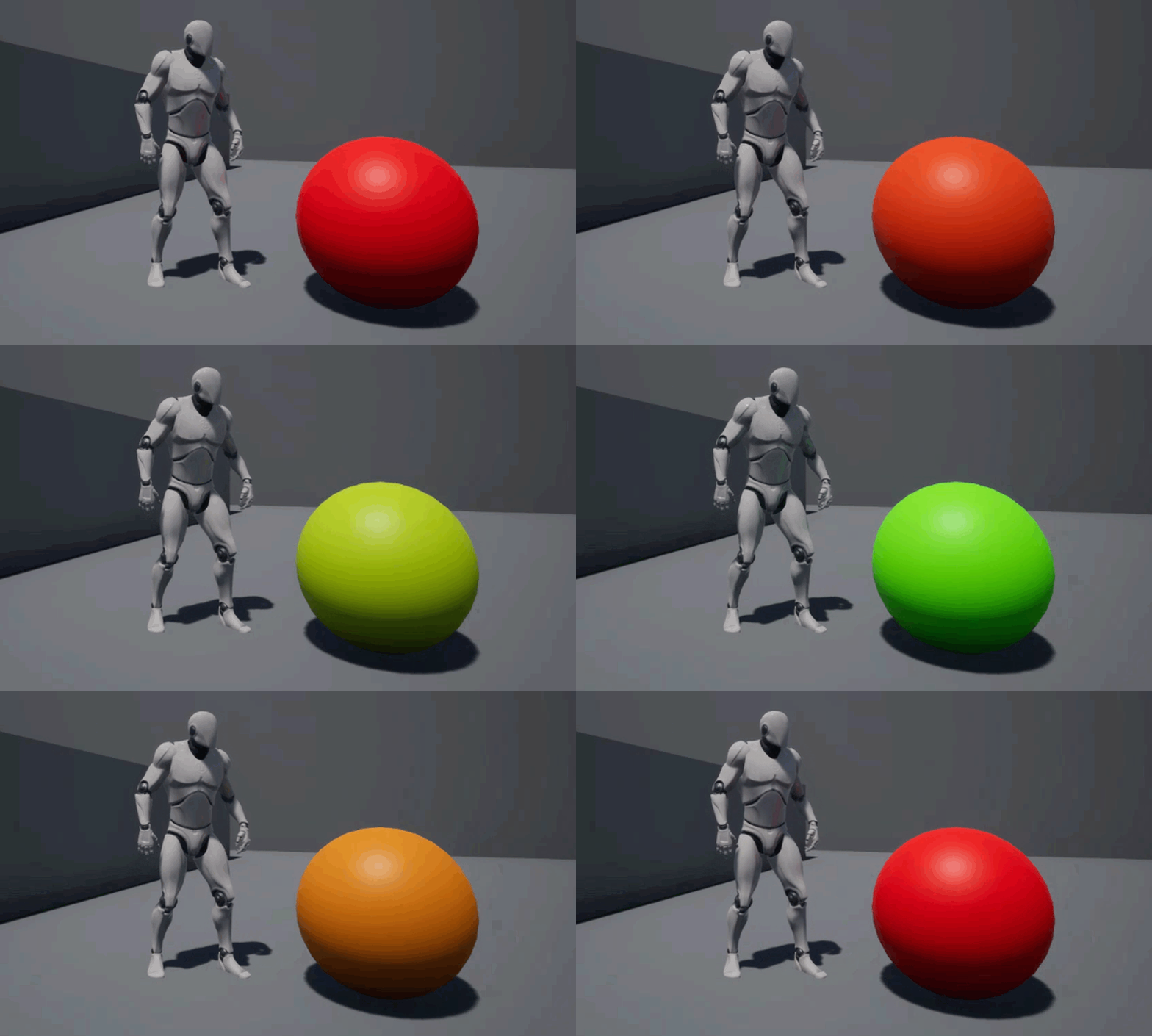
I’ve just learnt about a nifty mechanism to change parameters on a material node in Unreal Engine. The niftyness lies in the fact that when we convert static values in the material editor into parameters, which then become the equivalent of public variables that are accessible from other parts of UE4. It sounds way scarier than it is, let me show you how it works in detail.
There’s a slightly weird terminology I keep hearing in various 3D applications. Those terms are Yaw, Pitch and Roll. I have trouble remembering which one is which, and which one is related to what axis in 3D space. I’m more used to the Euler notation system, and the only one I can remember is “roll” …
I’ve always been marvelling at all the little moving background items in video games. Most trees, grass, plants and such foliage appears to move subtly. How do they do that? Perhaps it’s a wind node? Surely that’ll eat up huge amounts of resources.
I just found a computationally cheaper trick to do this, namely by adding this effect to the plant’s material, thanks to a video by MetalGameStudios. It suggests that we can do this in two ways, both of which are described below. In either case, open the material of your object to proceed.
The EPIC Games launcher is a really handy tool from anything to add content into your projects or to browse marketplace assets. It has this annoying habit of closing automatically when Unreal Engine or a game of your choice is running. This might be fine for gamers, but I find myself frequently re-opening it once …
I’ve just figured out how to setup keyframe animations in Unreal Engine, and thought I’d make a note of it before I forget. I made the animation above a little while ago by “poking around”, but it wasn’t as smooth as I liked it to be. I think I’ve found the missing bits now, so here’s how it works. From what I gather, Unreal Engine calls Keyframe Animations “Cinematics”. They’re a little tricky to setup, because the whole engine is built for so much more, but in principle we need to:
create a new Level Sequence
create a Cinematic Camera
add the camera as a Track to the Sequencer
create keyframes for/with the camera
add a Camera Cut Track
export your animation as a video or image series
I’m going to create a camera animation like in the demo above, but any regular mesh object and Actor can be animated, including lights and their properties, so this process is not limited to cameras. However you need at least one camera to render out the sequence, at least that’s my goal here. The process will be different if you’d like to trigger the sequence from within a game, which is not in the scope of this article.
Following on from my earlier article about referencing a Blueprint from another Blueprint, Unreal Engine has another interesting way for inter-object communication. Sometimes we need to reference more than one object, say when press a button and want several objects to react, all in their own different way. Imagine pressing a button and a light goes off, a particle effect gets triggered and several enemies get spawned. Event Dispatchers can do that, and here’s how we can use them.
In this example I’ll have a Switch object, and a Lamp object. When we press the switch, it’ll send out a message to which the Lamp (and other objects) can react. Each object can implement the function and execute different code. I’ll only show the abstracted Lamp code here for brevity, from which I’m sure you’ll understand the gist.
Sadly the terminology “dispatcher” is a little confusing. At least to me, it suggests that an event is dispatched (i.e. sent), whereas in reality the dispatcher is actually the listener rather than the sender. Hence the dispatcher needs to be setup on the event that needs to react. A real-world dispatch worker doesn’t work that way (thanks code people for confusing us non-coders).
Imagine we had a Lamp object in our scene, and a Switch we can flick so that it turns on. Both objects are instances of a Blueprint, so the switch needs to know which lamp we’re talking about. Although it seems obvious to us as humans (or to our 3D player), this situation isn’t as …
I’ve recently had to use a helper object in Unreal Engine (a plane), but I didn’t want this object to be seen when the game was running. In a regular 3D application I would have just clicked that little eyeball icon to hide it, but that would temporarily remove the object from my scene in …
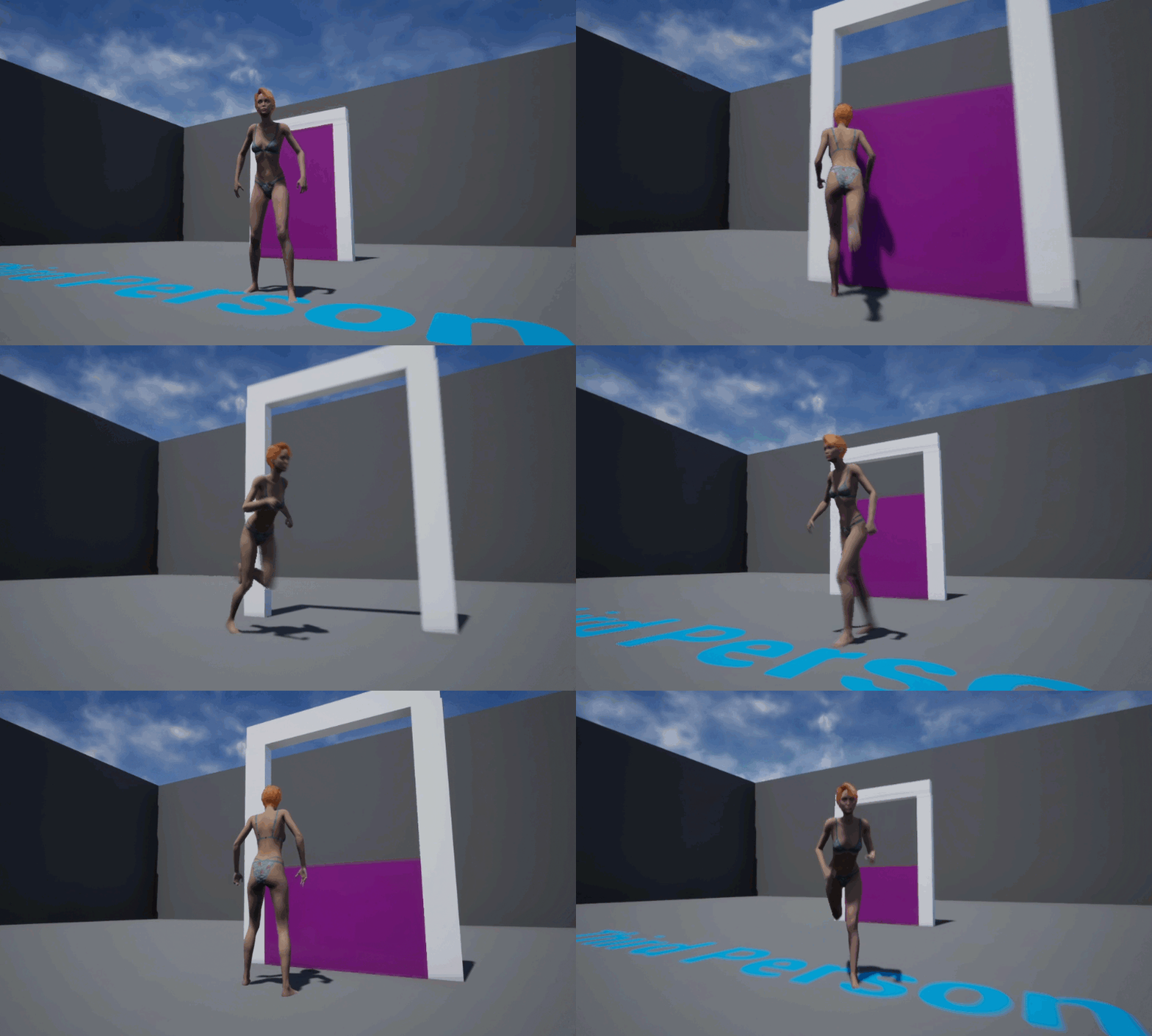
I’ve made a simple moving platform in Unreal Engine today. This is used in platform games all the time, be it as a triggered mechanism or an automatically moving always-looping/moving thing. Remember all those gaps you need to cross over a deep ravine, while stone platforms are moving left and right, and you’ll have to …
When something happens in our game, we may need to play a sound file. Think of anything from firing a bullet, playing footsteps during a walk, or a sound that is fired as a result of us sliding something open. To play those sorts of files we can use a method called Play Sound At …
I’ve been following Katie’s videos to get my feet wet with Unreal Engine, and thought I’d take a note on how to build her sliding door so I don’t forget. Here’s how I’ve built mine in principle:
create a new Blueprint Actor
bring in a cube and build an “InnerDoor” piece (that’s the one that will slide up and down)
build a frame for the door (will remain static)
add a Box Collision and extend it (it will trigger our animation)
use a Timeline node to raise the door
reverse the process so the door closes
I’m doing it slightly different to how Katie suggests it, but there’s really no right or wrong way. I’ve described how to do something similar with a Level Sequence in another article. Let’s see how to do it with a Sequence Node here.
I bought the Synty Farm Asset pack recently. The demo level looks great, except for the fact that the windmills dotted around the farm are not rotating. This looks a little bit out of place with the rest of the animated scene. Being the newbie that I am, I was wondering how I could make …
I’ve just found out how to change values for Morph Targets on objects in Unreal Engine via code. This will come in handy when any attribute needs to be updated either as a result of user input, or via automation. Here’s the basic workflow:
know the exact name of the Morph Target
add a Set Morph Target node in Blueprints
populate it with the name of the morph
give it a value (between 0 and 1, equivalent to 0% to 100%)
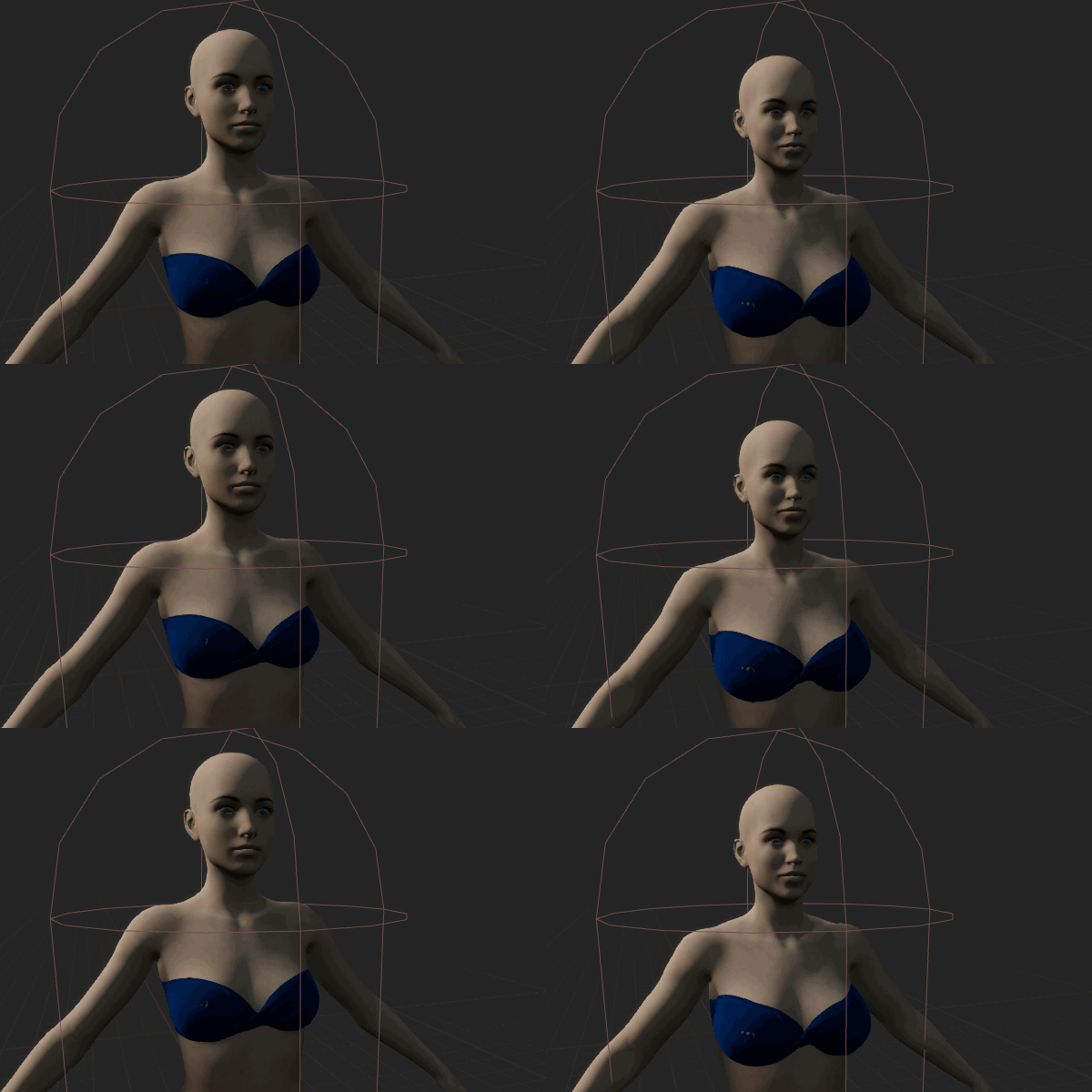
Here’s a small example that continuously changes my Genesis 8 character from Basic Female into Olympia. While not particularly useful in itself, it illustrates how a parameter change can trigger a morph.
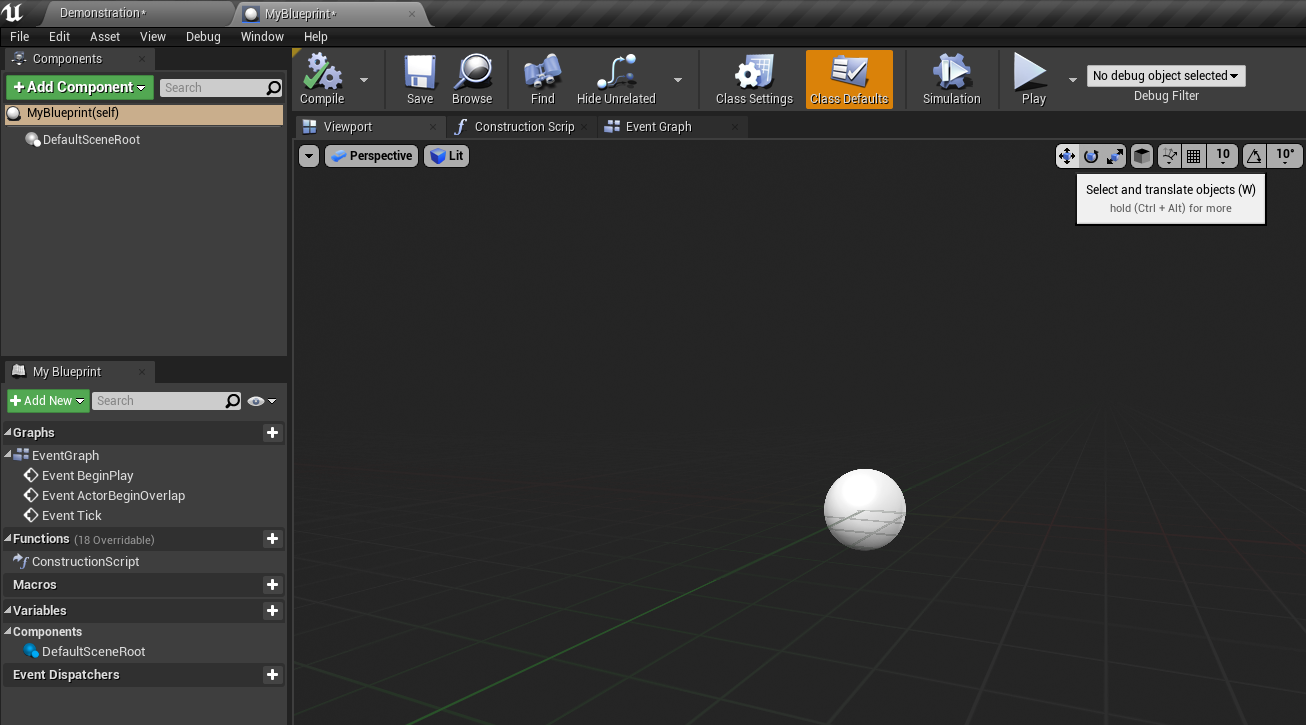
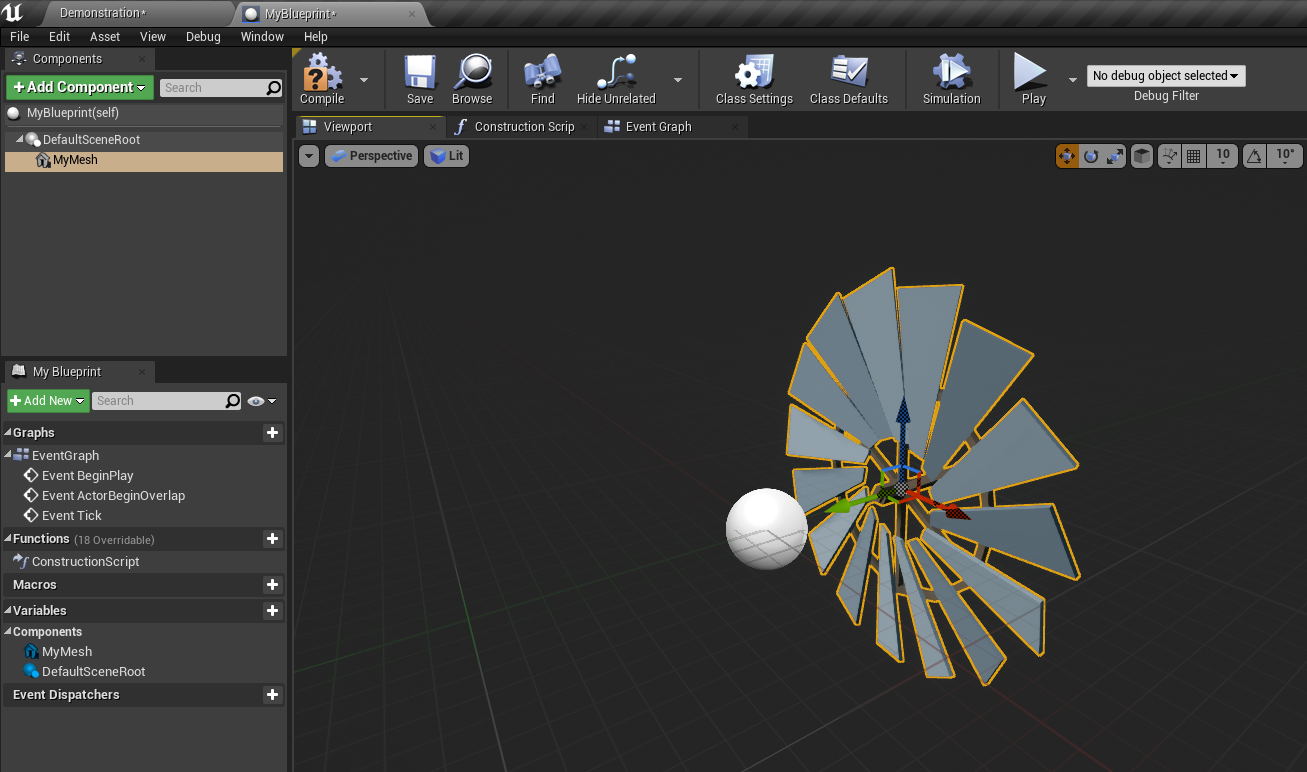
When you start a new Blueprint Class in Unreal Engine, there’s this weird white ball that shows up in the centre of the viewport. I believe it represents the Default Root object. Trouble is, there’s no obvious way to get rid of it, even when you add a mesh object to your Blueprint. For a troubled and easily confused beginner like myself, I don’t even know what question to type into Google to get an approximate answer.
In this article I’ll show you the simple solution to the problem. Here’s the ball I’m referring to:
Even with a Static Mesh in my scene, that ball persist. I can’t even select it.
My old Xbox 360 controller has been in use for nearly 10 years, but it’s still going strong while suffering from very sensitive Dead Zones. Those are the areas around the untouched centre position of a game pad that can sometimes deliver erratic results, especially after years of use (although I’ve seen brand new ones …
There’s a feature in most game engines that adjust the exposure automatically as we walk through a scene. When we look at the sky it makes sure the highlights aren’t clipped, and when we walk into a dark cavern it brightens up the shadows for us dynamically. In Unreal Engine, this object is called the …
I’ve been intrigued by how easy it is to render a scene from Synty Studios in Unreal Engine. It’s as easy as opening the project and selecting the demo map. This allows us to explore the scene with the default Unreal Mannequin. I wanted to find out how to use a Synty character in its …
In my quest to take a look behind the scenes of how game engines work, I’ve decided to take a closer look at the Unreal Engine, more specifically UE 4.22.3. I had installed it a few weeks ago but other than launch a template or two, I didn’t do anything else with it. After my recent deep dive into Unity, I thought this would make for a nice comparison writeup.
Here’s how I experienced the first 24 hours with Unreal. I’ve even added a video at the end to show you a level that I’ve built. For this review I’ve been following this tutorial series by Paul Kind. He’s a wonderful teacher!
Sometimes I can’t work out the simplest things. Either I’m too stupid, or something that’s super obvious to developers is not necessarily obvious to the humans using it. One such thing is the question, “how do we update the Unreal Engine”. I’ve just found out, and thought I’d share this nugget of information with you. …