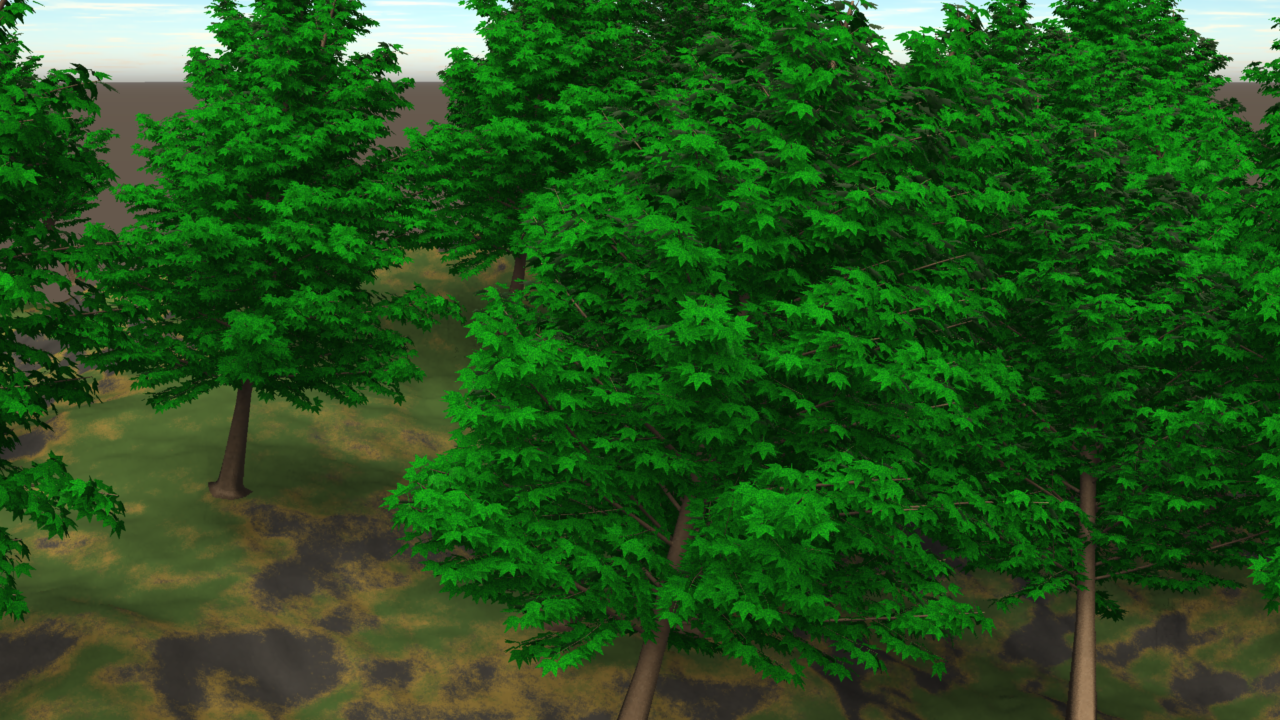
Replicators and Surface Replicators allow you to duplicate single objects and make it look like you have an armada of “stuff” in your scene. For example, you could replicate trees on a landscape or a group of people, but only load a single object into your scene.
The difference between a Replicator and a Surface Replicator is this: Replicators duplicate (replicate) your objects along all 3 axis and only need a single source object. In fact they can accommodate several source objects, but they don’t replicate along anything.
Surface Replicators on the other hand only replicate along a given surface, like a terrain or another object. Surface Replicators only obey a twi dimensional plane along whose normals your replicated objects will be aligned.
To use them, simply drag an object onto the replicator in the Assemble Room. This can be tricky: make sure the source object turns green rather than yellow – which seems to happen when you drag it too far towards the right. Click and drag it further to the left, as shown below.
As soon as you do, you’ll see your object outlined many times over in the scene as bounding boxes.
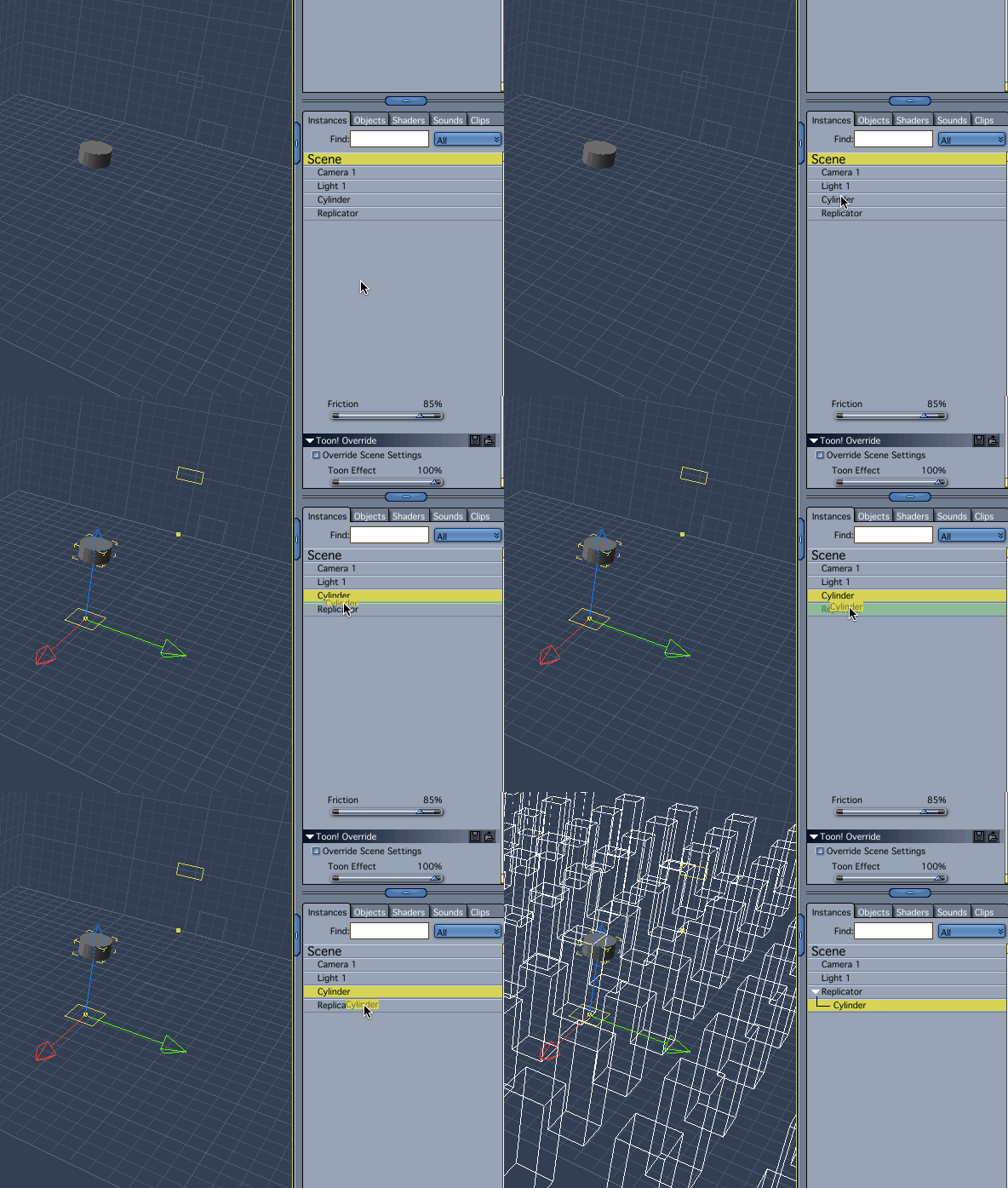
To adjust the replicator, select it and click the Wrench Icon to enter the Modelling Room. Here you can tweak the behaviour of your Replicator: along which axis you’d like to replicate how many objects, if you’d like to add some distance or rotational changes to it, that sort of thing.
You can also add other source objects here if you would like them to have the same behaviour (in case you don’t like the drag and drop action described earlier).
Read more
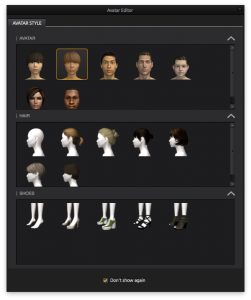 Marvelous Designer comes with 7 default avatars, but it’s very easy to use your own 3D figure and create custom clothing for it.